Our Blog
Xerox Machine Price in UAE: Find the Right Option
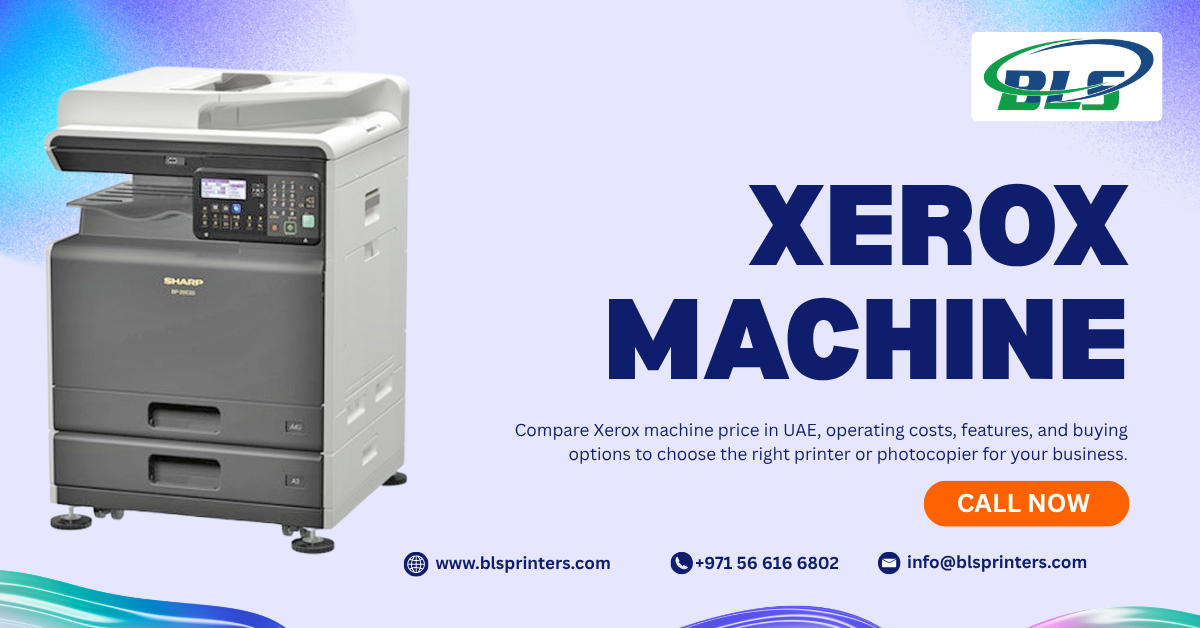
Table of Contents
- Current Xerox Machine Pricing in the UAE
- Similar Features Can Still Mean Different Prices
- Find the Price Range That Matches Your Business
- What You Get at Different Xerox Price Points
- Features That Increase the Purchase Price
- Purchase Price Is Only the Beginning
- Toner, Parts and Maintenance Can Add to Your Budget
- Refurbished Xerox Machines Can Be Worth Considering
- Match the Machine to Your Workload
- Check Every Detail in the Quotation
- Rental or Lease Can Make More Financial Sense
- Make the Investment Work for Your Business
- Choose Based on More Than the Price Tag
- FAQs About Xerox Machine Price in UAE
While buying a Xerox machine can prove to be a major financial decision for an organization, choosing the right one can help improve daily operations. The xerox machine price in uae may range considerably based on print speed, machine type, colour printing, paper capacity, and other multifunctional capabilities.
As seen from current listings of Xerox machine prices in UAE, a wide range exists. Starting from under AED 1,000 for entry-level machines to a few thousands of dirhams for other models. One can see that a Xerox WorkCentre 3025 is currently priced at AED 799 and a Xerox WorkCentre 6515 colour multifunction machine at AED 1,890.
Current Xerox Machine Pricing in the UAE
There is no single price for a Xerox machine because the market includes compact A4 printers, multifunction devices, A3 copiers, and high-volume commercial equipment. As a broad buying guide, businesses may encounter these approximate ranges:
| Xerox Machine Type | Approximate Price Range | Suitable For |
| Basic A4 printer | AED 400–1,000+ | Small offices and individual users |
| A4 multifunction printer | AED 700–2,500+ | Small and growing offices |
| A3 multifunction machine | AED 2,000–10,000+ | Medium-sized businesses |
| High-volume commercial machine | AED 10,000+ | Print-heavy workplaces |
Similar Features Can Still Mean Different Prices
Both printers may print, scan, and copy but have significantly different prices. This difference is based on their capacity to work. An office printer that will not be used frequently cannot be compared with a commercial printer meant to print thousands of pages. There are also other features to take into account, such as the speed of printing, duty cycle, paper capacity, auto document feeder, ability to perform duplex print, connectivity, color printing, and finishing.
Find the Price Range That Matches Your Business
The most suitable printer will vary according to the quantity of print work you carry out.
Small Offices
An A4 all-in-one printer will be sufficient for basic billing, communications, report writing, and scanning tasks. There is no point in buying industrial strength equipment when you do not print on a large scale.
Growing Businesses
In medium size office environments, it could prove beneficial to have multifunction printers that can print on both sides of paper.
A3-Dependent Workplaces
Firms that generate presentations, graphics, marketing tools, spreadsheets, and large documents need to use an A3 printer.
High-Volume Operations
Firms that are printing a lot should invest in machines that are designed to handle such work. Expensive acquisition costs are reasonable if the machine minimizes delays and maintenance needs.
What You Get at Different Xerox Price Points
The price generally increases as the machine becomes faster, more capable, and better equipped for demanding workflows.
Basic Document Printing
Low-end devices pay attention to necessities for printing. An example of such a printer is the Xerox Phaser 3020, which is a small-sized monochrome laser printer with Wi-Fi capabilities and a quoted price in the UAE of AED 419.
Multifunction Office Machines
Multi-function devices do things such as printing, scanning, and copying. Alongside that, there are certain machines that come with fax functionality and automatic two-sided printing.
A3 Business Copiers
A3 machines are designed for businesses handling larger documents and higher workloads. They typically provide greater paper capacity and stronger productivity features.
High-Volume Production Machines
The machinery used in production is expensive. It is designed to be used by firms where printing plays an important role.
Features That Increase the Purchase Price
Some factors can have considerable effects on the final quote.
Printing speed: High-speed printers are expensive but will minimize queuing time in busy workspaces.
Paper capacity: Large bins will make paper reloading unnecessary more often.
Color printing: Color multifunction devices are more expensive than standard monochrome printers.
High-end scanning: Features such as automatic document feeding and dual scanning can add value to the device.
Finishing: Finishing features like stapling, sorting, booklet making, and others are especially helpful for office use.
Purchase Price Is Only the Beginning
However, the buying price cannot be regarded as the full cost involved with the purchase of a machine from Xerox. The machine may need toner, drum replacements, maintenance, spare parts, paper trays, and technical support services during the entire lifetime of the machine. Therefore, total cost of ownership becomes a much better tool to analyze the situation rather than just taking into account the purchase price.
In fact, even a cheap machine that uses expensive consumables can become too costly for a business that prints tens of thousands of pages per month.
Toner, Parts and Maintenance Can Add to Your Budget
Costs associated with running depend greatly on the amount of print and types of printers. One should consider such things as the number of prints per one toner cartridge, the prices of replacement cartridges, maintenance, service agreement, and other frequently changed elements before buying.
Additionally, firms should find out whether a warranty includes parts and labor or only certain parts. In cases of heavy loads, the service agreement might be less costly than individual repairs. That is why companies which compare office printers for sale should analyze not only purchase costs but also operational costs.
Refurbished Xerox Machines Can Be Worth Considering
A refurbished machine can provide access to higher-capacity equipment at a lower purchase price.UAE listings show refurbished photocopiers and multifunction machines at considerably lower prices than some new equipment. For example, one UAE retailer currently lists a refurbished Xerox AltaLink C8035 at AED 1,650.A refurbished machine from a reliable supplier can make sense, particularly when a business needs commercial capacity without paying the full price of new equipment.
Match the Machine to Your Workload
Correct choice of size is more critical than the choice of the most powerful device.For instance, a small firm which prints only hundreds of pages per month might not need a big production printer.On the other hand, for a firm which prints thousands of pages per month, use of a basic desktop printer is definitely wrong.Businesses should calculate their monthly volumes, peak time, colour needs, types of documents and number of people using the printer.
Check Every Detail in the Quotation
Before paying for a Xerox machine, review the quotation carefully. Check whether the quoted price includes VAT, delivery, installation, warranty, accessories, toner, and configuration. Also confirm the exact model number rather than relying only on the product name. For businesses comparing commercial printers for sale, supplier support can be just as important as the equipment specification. A clear quotation should make every included and excluded cost easy to identify.
Rental or Lease Can Make More Financial Sense
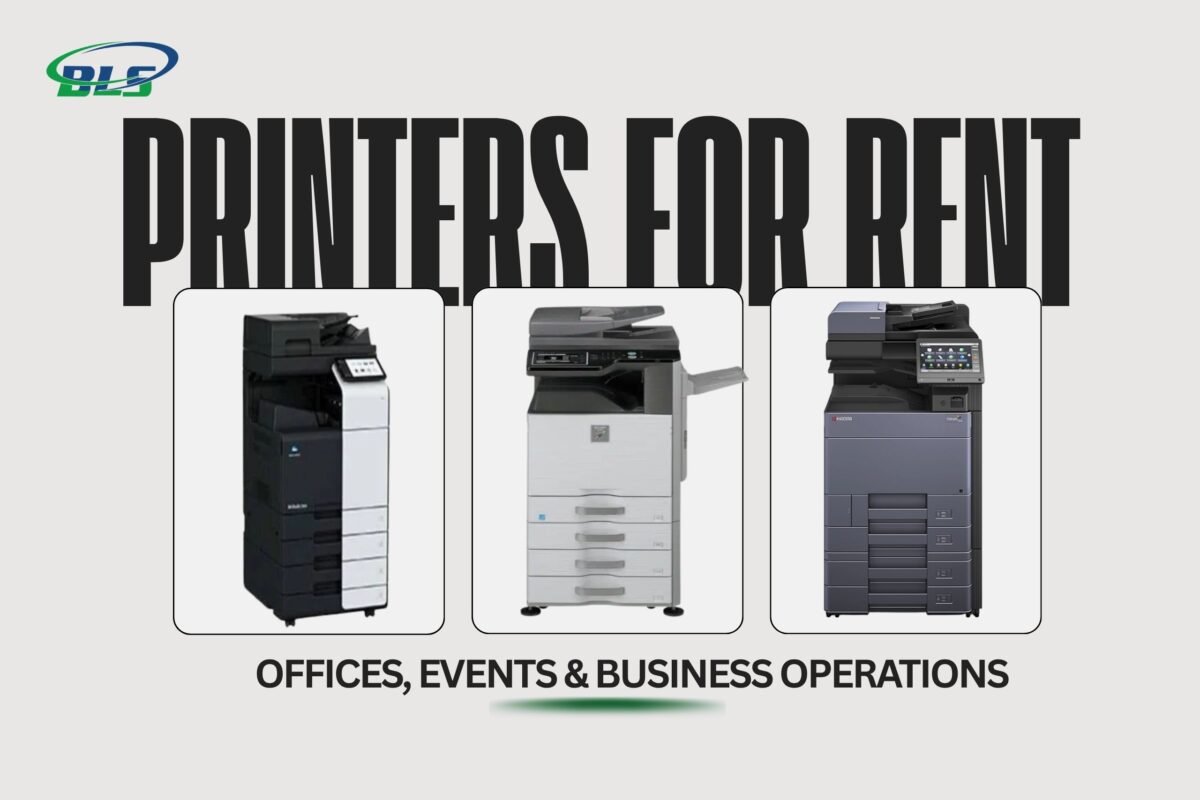
However, purchasing may not always be the ideal solution for all businesses within the UAE. For instance, those that have temporary projects, unpredictable print runs, or low budgeting at hand may need to opt for photocopier or printer rental services UAE. There could be many other benefits of leasing the machines rather than purchasing them.
Make the Investment Work for Your Business
The right Xerox machine should fit your workload rather than simply fit your budget. Start by calculating your monthly print volume and identifying the functions your team actually needs. Then compare machine capacity, speed, consumables, maintenance, warranty, and supplier support. Businesses looking at commercial printers for sale should also compare ownership with rental and leasing before making a final decision.
For organisations that need broader printing support, BLS Printers can help businesses evaluate printer sales, rental options, maintenance, and toner requirements according to their operational needs.
Choose Based on More Than the Price Tag
The cost of xerox machine in UAE is just one element of the purchasing process. The capacity, operational costs, maintenance needs, and life expectancy of the machine may have a significantly greater impact on its value.In Dubai and elsewhere in the UAE, it will make sense to compare new machines, refurbished machines, office printers for sale, renting plans, and commercial machinery.
FAQs About Xerox Machine Price in UAE
What is the average Xerox machine price in UAE?
Prices differ according to the model and features. The basic Xerox printers can start below AED 1,000, whereas multifunction and business printers might be more expensive.
What affects Xerox machine prices in the UAE?
Print speed, colour capability, A3 support, paper capacity, scanning features, duty cycle, finishing options, and connectivity can all affect the price.
Is a Xerox machine suitable for a small office?
Yes. The compact A4 Xerox printers and multifunction devices are able to handle regular printing and scanning tasks without the need for expensive commercial equipment.
Is a Xerox machine expensive to maintain?
The costs of maintaining the printer will depend upon the number of pages printed, the amount of toner used, the age of the printer, and the need for maintenance services. Be sure to inquire about
Is buying a refurbished Xerox machine safe?
It can be a practical option when the machine comes with a reliable service history, warranty, genuine parts, and supplier support.
Can I rent a Xerox machine instead of buying one?
Yes. Rental can be useful for businesses with temporary requirements, changing workloads, or limited upfront budgets.
Is a Xerox copier better than a standard office printer?
For businesses requiring frequent copying, scanning, and higher-volume printing, a multifunction copier can be more suitable than a basic printer.
Does a higher Xerox machine price always mean better performance?
Doesn’t have to be. The more costly equipment may include capabilities that are irrelevant to your business. Your workload and needs should be considered first.
Should I buy an A3 or A4 Xerox machine?
Choose A3 when your business regularly handles larger documents. An A4 machine is usually sufficient for standard office paperwork.
Can I get Xerox machine servicing after purchase?
Service availability depends on the supplier and agreement. Confirm maintenance coverage, response times, parts availability, and warranty terms before purchasing.
Latest Blog
-
 What Are the Best Printers for UAE Offices in 2026
 -
 Best Printers for Office or Home in UAE: Expert Picks for Abu Dhabi Buyers
 -
 Buy All in One Printers Online for Home and Office Needs
 -
 Best Canon Printer on Sale in Abu Dhabi and Dubai
 -
 All-in-One Printer Price in UAE: Complete Buying Guide
 -
 Inkjet Printers on Sale Abu Dhabi for Different Printing Needs .
 -
 Best Printer for Home Use in UAE and Abu Dhabi: Buying Guide
 -
 Best Office Printers for UAE Businesses and Top Choices
 -
 Business Printer Rental for Flexible Office Printing
 -
 Commercial Printers for Rent to Support Business Growth
 -
 Printer & Copier Spare Parts And Consumables in Dubai
 -
 Printer Rental Cost: Look Beyond the Number on the Quote
 -
 Printer Servicing & Repair for Reliable Business Printing | BLS
 -
 Commercial Printer Rental for Flexible Workplace Printing
 -
 Printer Maintenance Contract for Smarter Business Printing
 -
 Printer Spare Parts Guide: Common Components, Uses, and Replacement Signs
 -
 Top Reasons to Upgrade Your Office Copier in 2026
 -
 Business Printer Rental Solutions for Expanding Office Operations
 -
 Toner and Cartridge Supplies in Abu Dhabi: Complete Business Buying Guide
 -
 Top 7 Benefits of Photocopy Machine Rental for Abu Dhabi Businesses
 -
 10 Questions to Ask Before Choosing a Cartridge Supplier in Abu Dhabi
 -
 Reliable Printer Maintenance Services for Business Printing in Abu Dhabi
 -
 Photocopy Machine Rental Solutions for Efficient Business Printing
 -
 Professional Toners & Cartridges in Abu Dhabi for Office Printing
 -
 Affordable Copier Leasing Solutions for Offices in Abu Dhabi
 -
 Printer Rental in Dubai with Free Machines, Toner, and Service!
 -
 Top Benefits of Printer Leasing for New Businesses in Abu Dhabi
 -
 Digital Printing Service in Abu Dhabi | BLS Printers UAE
 -
 Printer Rental Cost: A Smart Guide for Businesses in Abu Dhabi
 -
 Searching for quality printer spare parts in Abu Dhabi
 -
 Best Office Printers for Sale in Abu Dhabi: Features, Benefits & Buying Tips
 -
 How Reliable Toner Cartridge Suppliers in Abu Dhabi Support Your Business
 -
 The Benefits of Choosing Copiers Rental for Your Business.
 -
 Printer Toners and Cartridges: A Complete Buying Guide for Offices and Businesses
 -
 Best Printer Maintenance Services for Offices & Businesses
 -
 Top 10 Printer Sales, Service, Rental, Contract, and Maintenance Companies in Abu Dhabi
 -
 Printer Rental Company | Flexible Plans | BLS Printers
 -
 Printers on Sale | Best Printing Machine Deals | BLS Printers
 -
 Best Printer Rental Abu Dhabi for Offices & Business
 -
 Printers for Rent for Offices, Events & Business Operations