Our Blog
Colour Multifunction Printer for Office: Choose the Right Machine for Your Team
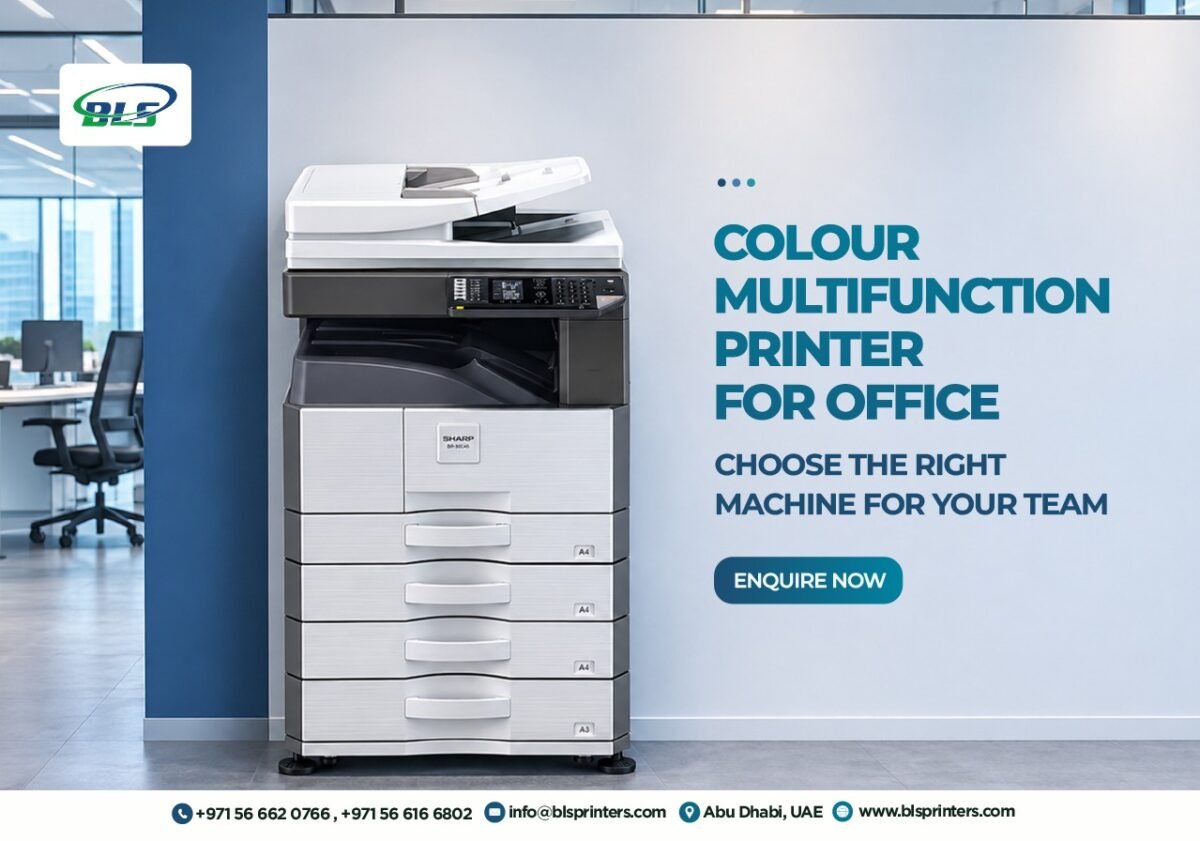
Your accounts department prints invoices, HR scans employee records, and the administration team prepares copies for meetings. When each task requires a separate machine, employees spend unnecessary time moving between devices. A colour multifunction printer for office use combines printing, scanning, and copying in one machine. However, selecting the wrong equipment can increase operating expenses and create problems when printing requirements grow.
Businesses in Abu Dhabi should consider printing volume, paper size, equipment costs, and maintenance arrangements before purchasing. This guide compares practical printer options and explains the factors that matter when choosing equipment for your workplace.
Colour Multifunction Printer for Office: Compare Models That Fit Your Workload
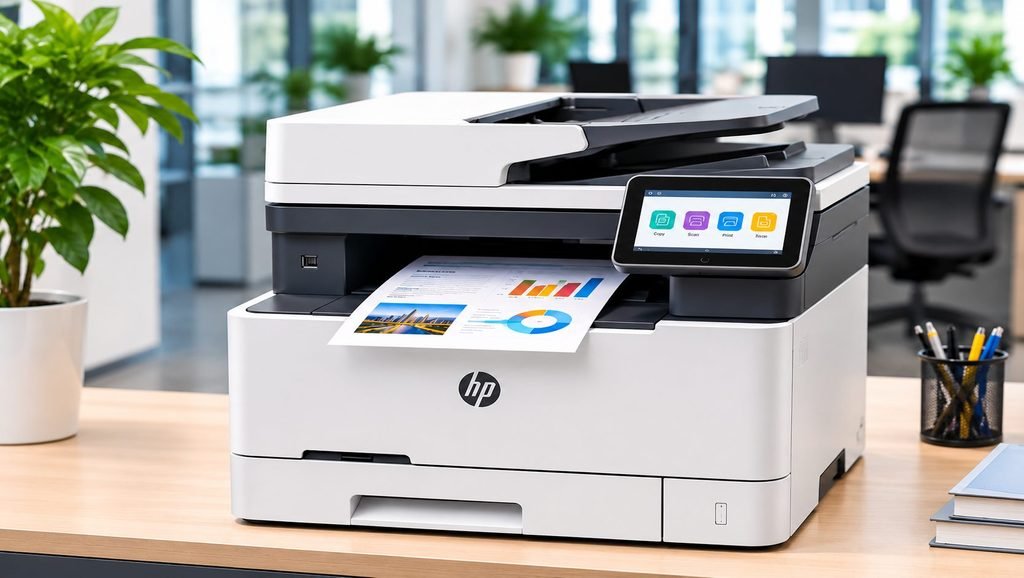
Different workplaces have different printing requirements. A small consultancy may need compact A4 equipment, while a larger department may require A3 printing and greater paper capacity.
What to Remember
- Compare printer models according to actual office workloads.
- Choose A3 equipment when larger documents are regularly required.
- Calculate toner cost per page before purchasing.
- Compare buying and renting over the same period.
- Confirm warranty, maintenance coverage, and replacement supplies.
“The right office printer should match your workload, support your team, and keep operating costs manageable.”
| Printer model | Suitable requirement | Main advantage |
|---|---|---|
| HP Color LaserJet Pro MFP M283fdw | Small offices using A4 documents | Compact colour multifunction printing |
| Sharp BP-20C20 | Offices requiring A3 documents | A3 printing, scanning, and copying |
| Konica Minolta Bizhub C300i | Departments sharing equipment | Up to 30 A4 pages per minute |
| Kyocera TASKalfa 2554ci | Growing offices | Expandable paper capacity |
| Canon imageRUNNER ADVANCE C3326i | Busy administrative teams | A3 multifunction features |
For smaller offices mainly printing A4 documents, the HP M283fdw is worth comparing. Businesses requiring A3 printing can consider the Sharp BP-20C20, while Konica Minolta, Kyocera, and Canon offer options for shared departmental printing.
The right colour multifunction printer for office teams depends on monthly printing volume, required functions, and available space. Confirm each model’s recommended monthly volume, configuration, and availability before purchasing.
Choose the Right Colour Printer for Your Office
Looking for a colour multifunction printer that suits your team’s daily workload? BLS Printers offers reliable office printing solutions, including multifunction printers for printing, scanning, and copying.
A4 or A3: Which Paper Size Does Your Office Actually Need?
Paper size affects equipment selection, cost, and office space. An A4 printer may be sufficient for businesses regularly printing invoices, contracts, letters, and standard reports. A3 equipment becomes more useful when employees frequently print larger documents, presentations, or drawings. A compact printer and copy machine can suit smaller workplaces with limited space.
However, a larger photocopy machine or commercial copier machine may provide greater flexibility for departments handling different document sizes. Before selecting a colour multifunction printer for office requirements, review how frequently employees need A3 printing. If larger documents are only required occasionally, outsourcing those jobs may cost less than purchasing a bigger machine.
One Multifunction Printer or Separate Machines?
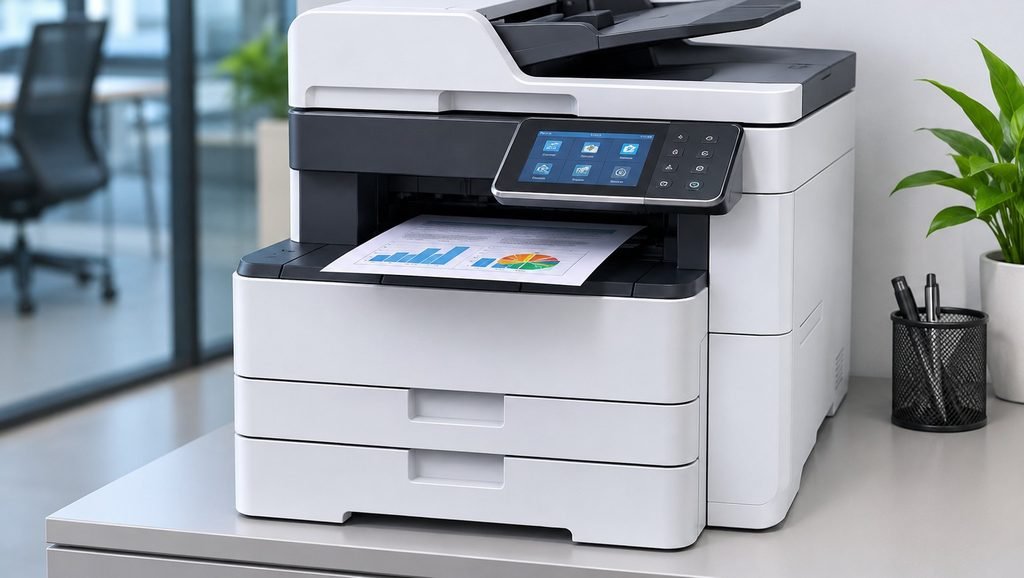
A printer with scanner and copier allows employees to complete several document tasks using one device. This arrangement can reduce equipment requirements and simplify shared printing. However, businesses with heavy workloads should consider whether one machine can support several departments simultaneously.
For example, employees may experience delays if the accounts department prints large reports while HR needs to scan multiple documents. A combined printer and copier can work well when printing and scanning requirements are manageable. When comparing a printer copy machine, check whether it includes automatic document feeding, network connectivity, and double-sided printing. For offices where employees regularly compete for access, additional equipment or a higher-capacity model may be more practical.
🖨️ Printer Decision Challenge
Can you decide whether a business should buy or rent its printer?
Choose the best option:
Calculate the Real Cost Before Purchasing
The purchase price is only one part of the total printing expense. Before buying a colour multifunction printer for office teams, businesses should calculate the estimated cost per page. For example, if a toner cartridge costs AED 300 and has an estimated yield of 3,000 pages, the toner cost is approximately AED 0.10 per page. This calculation excludes paper, servicing, and replacement components.
Actual cartridge yield may vary depending on document coverage. Businesses comparing office printers for sale should request cartridge prices, estimated page yields, and expected maintenance expenses. Colour printing costs should also be calculated separately from black-and-white printing. A lower-priced printer may become more expensive over time if replacement cartridges and servicing costs are high. Comparing expected annual expenses provides a clearer picture than comparing equipment prices alone.
Find a Reliable Multifunction Printer for Your Business
Planning to replace an old printer or equip a growing office? BLS Printers offers office printing solutions with multifunction capabilities to help teams manage printing, scanning, and copying requirements more conveniently.
Buying vs Renting: Compare Long-Term Expenses
Buying may suit businesses with stable printing requirements and plans to use the same equipment for several years.
Renting may be more practical for offices that prefer regular payments or expect their printing needs to change.
| Business situation | Option worth considering |
|---|---|
| Long-term equipment ownership | Buying |
| Lower initial equipment expense | Renting |
| Temporary office or project | Renting |
| Stable printing requirements | Compare total costs |
| Changing equipment requirements | Flexible rental |
Businesses exploring commercial printers for sale should calculate purchase, toner, and servicing expenses over their expected ownership period. Rental agreements should be reviewed for monthly payments, included pages, additional-page charges, and maintenance coverage. BLS Printers offers multifunction printer rental services for businesses considering rental equipment.
When choosing a colour multifunction printer for office use, comparing buying and renting over the same period helps identify which option better suits the business budget.
Check Specifications Before Accepting a Quotation
Businesses searching for a printer scanner copier for sale should confirm the exact model and included accessories. Advertisements for printers on sale may not clearly explain installation charges, additional paper trays, or warranty conditions. When reviewing color laser printers on sale, compare printing speed, paper capacity, connectivity, and toner expenses. A suitable printer supplier should provide clear equipment specifications and explain the available configurations.
BLS Printers offers colour multifunction printers for office use through its printer sales service. Before purchasing a colour multifunction printer for office teams, request a written quotation covering equipment price, warranty, installation, and additional accessories. This helps businesses understand the complete purchase cost and avoid unexpected charges.
Upgrade Your Office Printing Experience
Need a printer that can handle reports, presentations, invoices, and everyday office documents? BLS Printers provides suitable printing equipment and multifunction solutions to support different business printing requirements.
Maintenance and Toner Costs Deserve Attention
Regular printer maintenance helps identify paper jams, poor print quality, and worn components before they cause larger problems. Businesses should check whether printer servicing is covered under the warranty or charged separately. Offices using equipment frequently may also benefit from comparing the coverage and cost of a printer maintenance contract.
BLS Printers provides professional printer maintenance services for businesses exploring equipment support. Replacement consumables are another important expense. Check the availability of compatible printer toners and cartridges and confirm how easily replacement toner supplies can be arranged. Before choosing a colour multifunction printer for office use, estimate annual maintenance and consumable expenses alongside the purchase or rental price.
Consider Your Office’s Future Requirements
A printer suitable for a small team may not meet the requirements of a growing department. Businesses should estimate whether monthly printing volume, scanning requirements, or shared access may increase. When comparing equipment, check whether additional paper trays or compatible accessories are available.
For further information, explore BLS Printers’ article about multifunction printers for business offices. Companies with different document requirements can also explore complete office printing solutions. A suitable machine should support current requirements while providing enough capacity for reasonable business growth.
Make Your Office Printer Investment Count
A colour multifunction printer for office teams should simplify document handling without creating unnecessary expenses. Compare shortlisted models, understand running costs, and confirm maintenance arrangements before purchasing. The right equipment should support employees’ daily work while keeping long-term printing expenses manageable.
Explore Multifunction Printing Solutions With BLS Printers
BLS Printers offers printer sales, rental options, toner cartridges, spare parts, and maintenance-related support in Abu Dhabi.
Share your monthly printing volume, document requirements, and budget to explore suitable equipment.
1. Which multifunction printer suits a small office?
The HP Color LaserJet Pro MFP M283fdw is worth comparing for compact A4 colour printing.
2. Which printers support A3 documents?
Compare Sharp BP-20C20, Bizhub C300i, TASKalfa 2554ci, and Canon C3326i.
3. Is one multifunction printer enough for an office?
It depends on printing volume, employee usage, and simultaneous document tasks.
4. Should businesses choose laser or inkjet printers?
Compare printing volume, document requirements, running costs, and equipment prices.
5. Is renting cheaper than buying?
It depends on rental duration, contract terms, and total ownership expenses.
6. Can multiple employees share one printer?
Yes, compatible network-enabled printers support shared office printing.
7. Which printer features matter most?
Printing capacity, paper size, scanning functions, connectivity, and running costs are important.
8. How is toner cost per page calculated?
Divide the cartridge price by its estimated page yield.
9. Do multifunction printers require regular servicing?
Yes, routine servicing helps maintain printing performance.
10. Where can businesses compare printers in Abu Dhabi?
Contact BLS Printers to discuss available models, configurations, and pricing.
Latest Blog
-
 Best Commercial Printer Rental Abu Dhabi for Businesses Handling High-Volume Print Jobs
-
 Best Printer for Small Business When Every Print Job Impacts Your Profit
-
 Best Printers for Office or Home in UAE in 2026
-
 Xerox Machine Price in UAE: Best Models, Features and Buying Guide for 2026
-
 Printer maintenance service in Abu Dhabi On-Site Printer Service
-
 Printer Spare Parts in Abu Dhabi, Dubai, UAE
-
 Printer Shop In Abu Dhabi | Printers, Ink & Toner
-
 Top 10 Buying Checklist Office Printers for Sale in Abu Dhabi,Dubai,UAE
-
 Top 10 Best printer dealers in Abu Dhabi,UAE
-
 Printer Toners and Cartridges Suppliers in Abu Dhabi: Top Brands and Profiles
-
 Printer Rental Services in Abu Dhabi: 5 Things to Check Before Choosing
-
 Top Printer Solutions for Government Offices in Abu Dhabi 2026 Guide
-
 Printers for Office or Home in Abu Dhabi UAE | Shop Top Printers
-
 Printer Solutions for Events & Exhibitions in Abu Dhabi
-
 Best Multifunction Printers in 2026 for Offices in Abu Dhabi and UAE
-
 What to Check Before Choosing a Printer Dealer in the UAE
-
 Improve Your Business Printing with Quality Printer Sales in Abu Dhabi
-
 Printer For Sale In Abu Dhabi, Dubai, UAE New & Used
-
 Printer Repair Service for Common Printer Problems
-
 Best Printers in Abu Dhabi for Offices & Businesses
-
 Trusted Canon – Printer Supplier & Dealer in Abu Dhabi, Dubai, UAE
-
 What Are the Best Printers for UAE Offices in 2026
-
 Best Printers for Office or Home in UAE: Expert Picks for Abu Dhabi Buyers
-
 Buy All in One Printers Online for Home and Office Needs
-
 Best Canon Printer on Sale in Abu Dhabi and Dubai
-
 All-in-One Printer Price in UAE: Complete Buying Guide
-
 Inkjet Printers on Sale Abu Dhabi for Different Printing Needs .
-
 Best Printer for Home Use in UAE and Abu Dhabi: Buying Guide
-
 Best Office Printers for UAE Businesses and Top Choices
-
 Business Printer Rental for Flexible Office Printing
-
 Xerox Machine Price in UAE: Find the Right Option
-
 Commercial Printers for Rent to Support Business Growth
-
 Printer & Copier Spare Parts And Consumables in Dubai
-
 Printer Rental Cost: Look Beyond the Number on the Quote
-
 Printer Servicing & Repair for Reliable Business Printing | BLS
-
 Commercial Printer Rental for Flexible Workplace Printing
-
 Printer Maintenance Contract for Smarter Business Printing
-
 Printer Spare Parts Guide: Common Components, Uses, and Replacement Signs
-
 Top Reasons to Upgrade Your Office Copier in 2026
-
 Business Printer Rental Solutions for Expanding Office Operations
-
 Toner and Cartridge Supplies in Abu Dhabi: Complete Business Buying Guide
-
 Top 7 Benefits of Photocopy Machine Rental for Abu Dhabi Businesses
-
 10 Questions to Ask Before Choosing a Cartridge Supplier in Abu Dhabi
-
 Reliable Printer Maintenance Services for Business Printing in Abu Dhabi
-
 Photocopy Machine Rental Solutions for Efficient Business Printing
-
 Professional Toners & Cartridges in Abu Dhabi for Office Printing
-
 Affordable Copier Leasing Solutions for Offices in Abu Dhabi
-
 Printer Rental in Dubai with Free Machines, Toner, and Service!
-
 Top Benefits of Printer Leasing for New Businesses in Abu Dhabi
-
 Digital Printing Service in Abu Dhabi | BLS Printers UAE