Our Blog
Printer Repair Service for Common Printer Problems
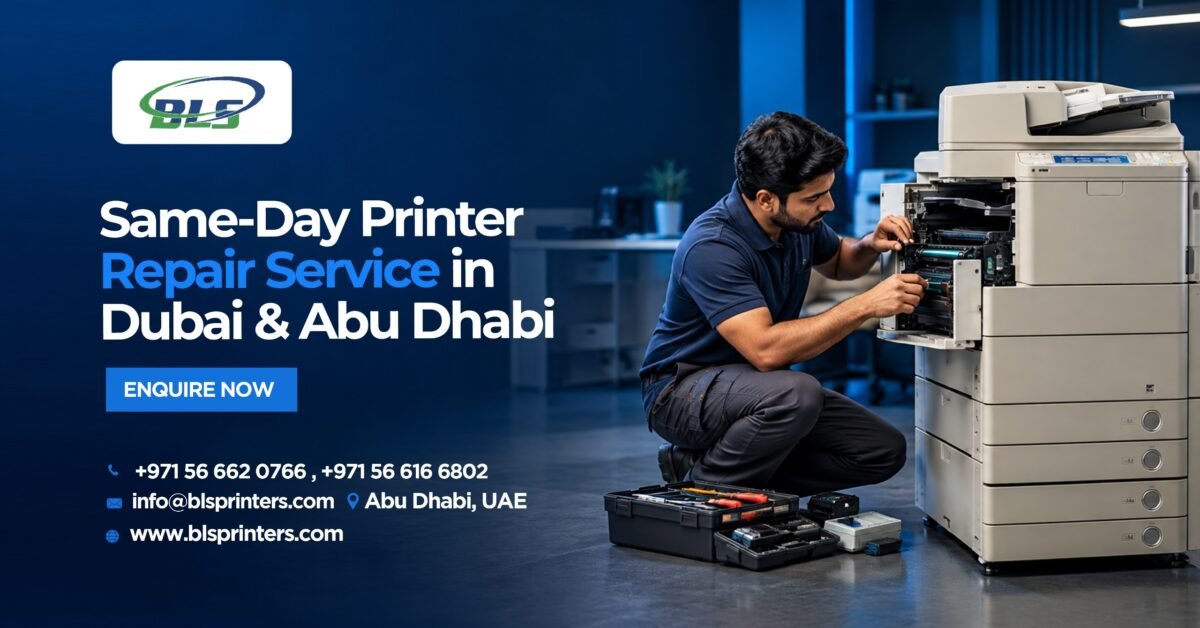
Table of Contents
Printers are an important part of everyday operations in offices, schools, retail businesses, and homes. When a printer starts jamming, producing faded documents, losing its network connection, or printing slowly, even routine tasks can become difficult.
A Printer Repair Service can help identify the actual cause of these problems and restore the printer to proper working condition. However, not every issue requires an immediate technician visit. Some common printer problems can be resolved through simple troubleshooting, while recurring faults may require professional inspection.
Understanding the common causes and basic solutions can help users decide when they can troubleshoot the problem themselves and when expert assistance is more appropriate.
Common Printer Problems and How to Fix Them
Different printer models can experience different faults depending on their age, workload, maintenance routine, consumables, and operating environment. The following are some of the most common issues faced by home and business users.
1. Frequent Paper Jams
Paper jams are among the most common printer problems. Incorrectly loaded paper, overloaded trays, unsuitable paper sizes, dust, damaged rollers, or problems within the paper-feeding mechanism can all cause repeated jams.
What Causes Paper Jams?
Paper may become stuck when it is not correctly aligned inside the tray. Using the wrong paper type or placing too many sheets in the tray can also interfere with smooth feeding.
Worn pickup rollers and separation pads can make the problem worse because they may no longer grip the paper properly.
What Can You Do?
Before arranging printer service and repair, switch off the printer and carefully remove any visible paper. Check that:
- The paper is correctly aligned.
- The tray is not overloaded.
- The paper matches the printer’s recommended specifications.
- There are no torn pieces of paper inside.
- The rollers are clean.
If the same area continues to cause jams, the internal rollers or other feeding components may need inspection. BLS provides information about commonly replaced printer spare parts and common parts replacement to help users understand which components may require attention.
2. Poor, Faded or Uneven Print Quality
Poor print quality can affect invoices, reports, presentations, marketing materials, and other important documents. Common symptoms include faded text, streaks, smudges, blank areas, spots, and uneven colours.
What Causes Poor Print Quality?
Several factors can contribute to poor output, including:
- Low or empty toner or ink cartridges
- Clogged printheads
- Damaged drums
- Worn transfer components
- Incorrect print settings
- Fuser-related problems
- Poor-quality or incompatible consumables
What Can You Do?
Before arranging printing repair, check the toner or ink level and run the printer’s built-in cleaning or print-quality function.You can also verify the print settings and make sure the correct paper type has been selected.
If the output remains poor after these checks, the printer may require professional cleaning, component testing, or replacement of an internal part. Businesses can also review BLS’s printer toners and cartridges service when they need suitable toner and cartridge solutions.
3. Printer Not Connecting to Wi-Fi or Other Devices
Connectivity problems can prevent users from sending documents to the printer even when the printer itself appears to be working normally.
What Causes Connectivity Problems?
Network changes, incorrect settings, outdated drivers, firmware problems, damaged USB cables, or software conflicts can affect communication between the printer and connected devices.
Wireless printers may also stop responding when the printer and computer are connected to different networks.
What Can You Do?
Start with a few simple checks:
- Restart the printer and router.
- Confirm that the printer is connected to the correct Wi-Fi network.
- Check the printer’s network settings.
- Restart the computer.
- Check USB cables and try another port if applicable.
- Check whether updated drivers or firmware are available.
If connectivity problems continue, a computer printer repair service can help determine whether the problem is related to the printer, computer, network configuration, drivers, or internal hardware.
4. Printer Spooler and Printing Errors
Sometimes a printer is connected correctly but refuses to print. The problem may be caused by a stuck print queue, corrupted print jobs, outdated drivers, or a print spooler error.
What Causes Spooler Problems?
The print spooler manages documents waiting to be printed. If a print job becomes corrupted or the printer driver encounters an error, other documents may remain stuck in the queue.
What Can You Do?
Users can try the following basic steps:
- Cancel unnecessary documents from the print queue.
- Restart the printer.
- Restart the computer.
- Restart the print spooler service.
- Check for updated printer drivers.
- Reinstall the printer if the connection has become corrupted.
If the same error continues after these steps, professional diagnosis may be required. A technician can determine whether the issue is related to software, drivers, network settings, or printer hardware.
5. Slow Printing and Delayed Print Jobs
Slow printing can become a significant productivity problem in workplaces where documents are printed frequently.
What Causes Slow Printing?
Printing speed may be affected by:
- High-resolution print settings
- Large or complex files
- Network problems
- Outdated drivers
- Outdated firmware
- A large print queue
- Printer hardware limitations
- Internal mechanical problems
What Can You Do?
Try reducing the print quality when high-resolution output is unnecessary. Check the network connection and remove unnecessary documents from the print queue.mYou can also check whether the latest printer drivers and firmware are installed.
If the printer remains unusually slow, an expert can inspect the device to identify whether the problem is caused by its hardware, configuration, or network environment.
BLS’s guide to Printer & Copier Spare Parts and Consumables covers components such as drums, fusers, rollers, imaging units, maintenance kits, and waste-toner systems. Regular printer maintenance service can also help identify developing problems before they result in prolonged downtime.
Printer Components That May Need Attention
Printers contain several mechanical and electronic components that gradually wear with regular use. Depending on the printer model, these may include rollers, drums, fusers, belts, gears, sensors, transfer components, and maintenance kits.Replacing the wrong component can create additional problems. Therefore, the replacement part should always match the printer’s manufacturer and model.
BLS provides Printer Spare Parts Dubai & Abu Dhabi for businesses and users looking for compatible printer and copier components. A technician can also use an appropriate printer repair tool and diagnostic process to determine whether a component should be cleaned, repaired, or replaced.
Choosing Reliable Printer Service Companies
When comparing printer service companies or looking for a repair shop for printers in Dubai or Abu Dhabi, businesses should consider several practical factors.
These include:
- Experience with different printer brands
- Availability of compatible spare parts
- Response time
- Technical expertise
- Maintenance capabilities
- Repair support
- Toner and cartridge availability
- Ability to support both printers and copiers
Choosing a provider that can handle maintenance, repairs, consumables, and replacement parts can simplify printer management for businesses.
Regular printer service also allows businesses to service a printer at appropriate intervals, identify worn components, and address developing faults before they lead to unexpected downtime.
Get Professional Printer Support from BLS Printers
If your printer repeatedly jams, produces poor-quality documents, prints slowly, or displays recurring errors, addressing the problem early can help minimise disruption.
BLS Printers provides printer support, spare parts, toners, cartridges, and related printing solutions for business requirements in Dubai and Abu Dhabi.
Call: +971 566 166 802
Email: info@blsprinters.com
Website: www.blsprinters.com
Whether you require a printer home service, home printer service, replacement components, or ongoing maintenance, professional support can help keep your printer ready for everyday requirements.
Frequently Asked Questions
1. Is it worth repairing a printer?
Repairing a printer can be practical when the device is otherwise in good condition and the repair cost is reasonable. The decision depends on the printer’s age, condition, parts availability, and expected future use.
2. What is the average cost to repair a printer?
The cost depends on the printer model, type of fault, required parts, and complexity of the repair. A technician generally needs to diagnose the problem before providing an accurate estimate.
3. How do I repair my printer?
Start by checking for paper jams, toner or ink levels, connectivity issues, print queues, printer settings, and error messages. More complicated hardware problems should be handled by a qualified technician.
4. How can I fix common printer problems?
Start with basic troubleshooting such as checking paper alignment, restarting the printer, clearing print jobs, checking connections, and inspecting ink or toner levels.
5. What are the most common printer problems?
Common printer problems include paper jams, poor print quality, connectivity issues, spooler errors, slow printing, and recurring error messages.
6. Is it worth repairing a 10-year-old printer?
It depends on the printer’s condition, repair cost, availability of compatible parts, workload, and current performance. Comparing repair costs with replacement costs can help determine the practical option.
7. How many years should a printer last?
Printer lifespan varies according to the model, workload, maintenance, printing volume, and usage environment. Regular maintenance can help identify wear before it becomes a major fault.
8. Why is my printer working but not printing?
Possible causes include an empty cartridge, stuck print queue, connection problem, incorrect settings, paper jam, driver issue, or another hardware fault.
9. Can I fix a printer myself?
Simple issues such as paper jams, basic connection problems, print queues, and toner checks can often be handled by users. Complex internal hardware faults should be inspected by a qualified technician.
10. When should I contact a printer repair service?
Contact a professional when basic troubleshooting does not resolve the issue, the same fault repeatedly occurs, or the problem involves internal components, persistent connectivity issues, or hardware failure.
Latest Blog
-
 Best Printers in Abu Dhabi for Offices & Businesses
 -
 Trusted Canon – Printer Supplier & Dealer in Abu Dhabi, Dubai, UAE
 -
 What Are the Best Printers for UAE Offices in 2026
 -
 Best Printers for Office or Home in UAE: Expert Picks for Abu Dhabi Buyers
 -
 Buy All in One Printers Online for Home and Office Needs
 -
 Best Canon Printer on Sale in Abu Dhabi and Dubai
 -
 All-in-One Printer Price in UAE: Complete Buying Guide
 -
 Inkjet Printers on Sale Abu Dhabi for Different Printing Needs .
 -
 Best Printer for Home Use in UAE and Abu Dhabi: Buying Guide
 -
 Best Office Printers for UAE Businesses and Top Choices
 -
 Business Printer Rental for Flexible Office Printing
 -
 Xerox Machine Price in UAE: Find the Right Option
 -
 Commercial Printers for Rent to Support Business Growth
 -
 Printer & Copier Spare Parts And Consumables in Dubai
 -
 Printer Rental Cost: Look Beyond the Number on the Quote
 -
 Printer Servicing & Repair for Reliable Business Printing | BLS
 -
 Commercial Printer Rental for Flexible Workplace Printing
 -
 Printer Maintenance Contract for Smarter Business Printing
 -
 Printer Spare Parts Guide: Common Components, Uses, and Replacement Signs
 -
 Top Reasons to Upgrade Your Office Copier in 2026
 -
 Business Printer Rental Solutions for Expanding Office Operations
 -
 Toner and Cartridge Supplies in Abu Dhabi: Complete Business Buying Guide
 -
 Top 7 Benefits of Photocopy Machine Rental for Abu Dhabi Businesses
 -
 10 Questions to Ask Before Choosing a Cartridge Supplier in Abu Dhabi
 -
 Reliable Printer Maintenance Services for Business Printing in Abu Dhabi
 -
 Photocopy Machine Rental Solutions for Efficient Business Printing
 -
 Professional Toners & Cartridges in Abu Dhabi for Office Printing
 -
 Affordable Copier Leasing Solutions for Offices in Abu Dhabi
 -
 Printer Rental in Dubai with Free Machines, Toner, and Service!
 -
 Top Benefits of Printer Leasing for New Businesses in Abu Dhabi
 -
 Digital Printing Service in Abu Dhabi | BLS Printers UAE
 -
 Printer Rental Cost: A Smart Guide for Businesses in Abu Dhabi
 -
 Searching for quality printer spare parts in Abu Dhabi
 -
 Best Office Printers for Sale in Abu Dhabi: Features, Benefits & Buying Tips
 -
 How Reliable Toner Cartridge Suppliers in Abu Dhabi Support Your Business
 -
 The Benefits of Choosing Copiers Rental for Your Business.
 -
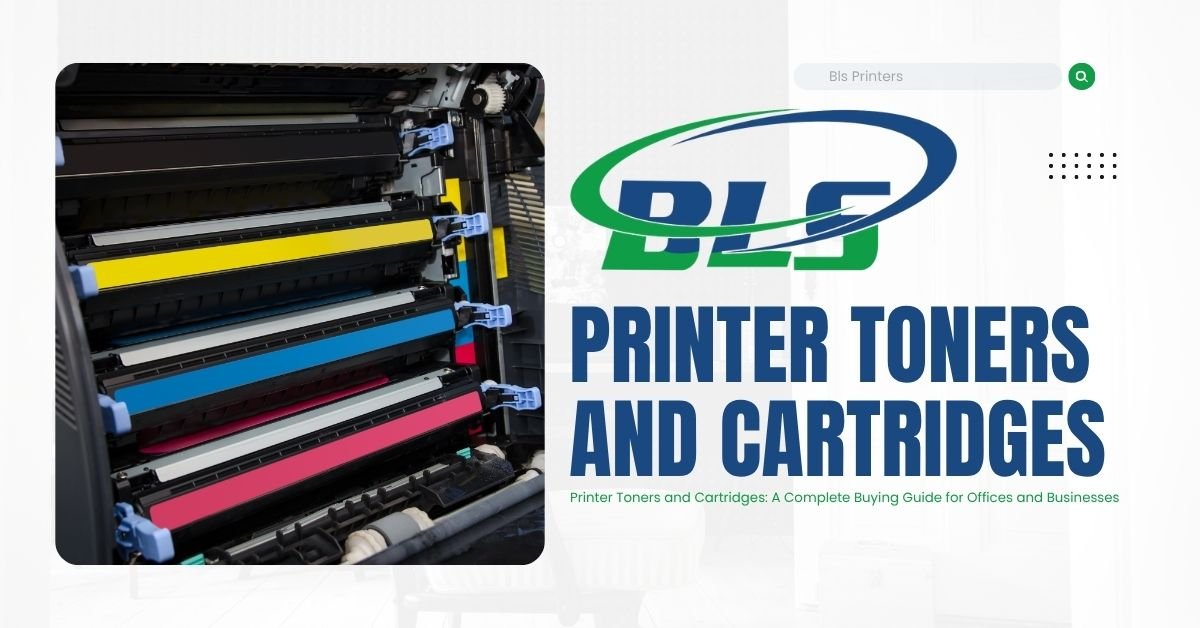 Printer Toners and Cartridges: A Complete Buying Guide for Offices and Businesses
 -
 Best Printer Maintenance Services for Offices & Businesses
 -
 Top 10 Printer Sales, Service, Rental, Contract, and Maintenance Companies in Abu Dhabi
 -
 Printer Rental Company | Flexible Plans | BLS Printers
 -
 Printers on Sale | Best Printing Machine Deals | BLS Printers
 -
 Best Printer Rental Abu Dhabi for Offices & Business
 -
 Printers for Rent for Offices, Events & Business Operations