Our Blog
Best Printers for Office or Home in UAE in 2026
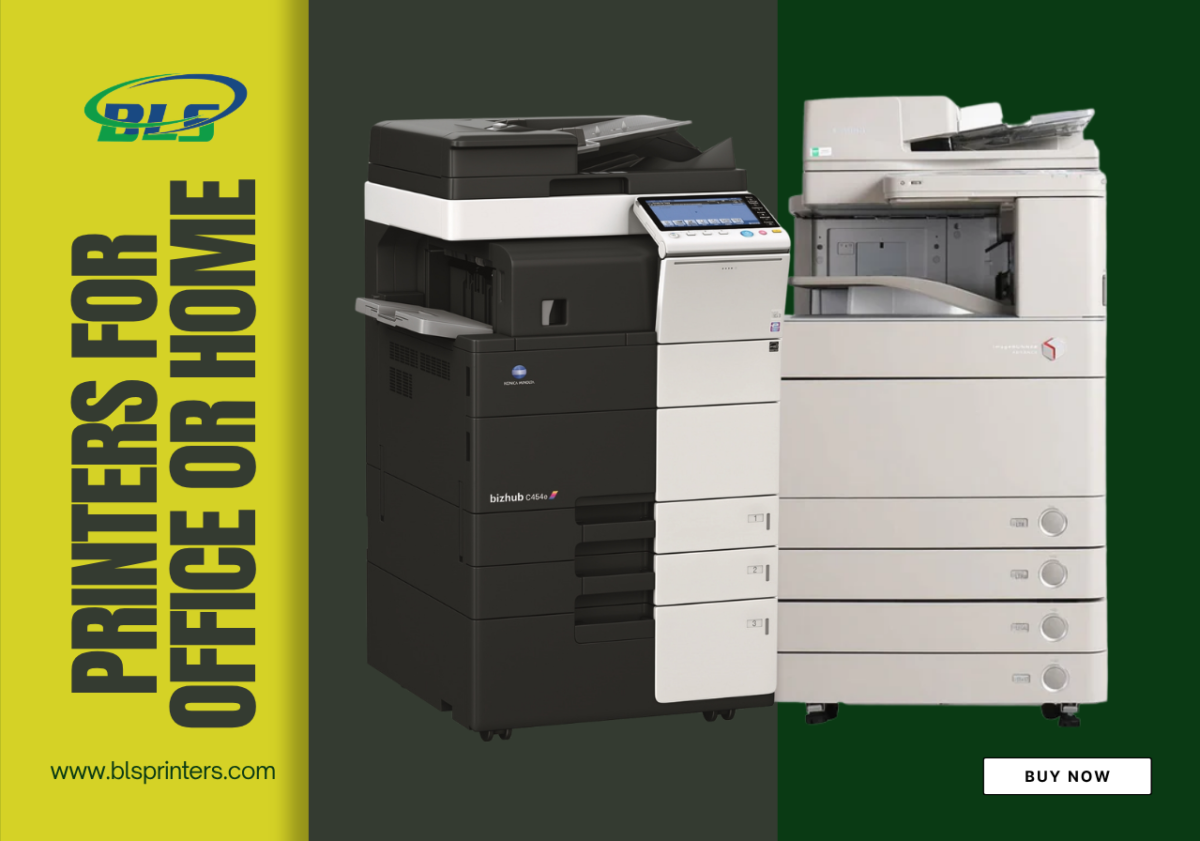
Choosing the right Printers for Office or Home in UAE can be challenging when different brands offer various features, printing speeds, and price ranges. Some buyers need a compact printer for personal documents, while businesses require multifunction machines for regular office work. The ideal printer should offer good quality prints, relevant features, and low operational costs.
Consumers in Abu Dhabi should further take into account toner availability, maintenance needs, and warranties. This guide highlights some buying considerations and discusses five printers that are part of the BLS Printers lineup to help you find the right printers for your home or business environment.
Why Choose a Multifunction Printer for Home or Office?
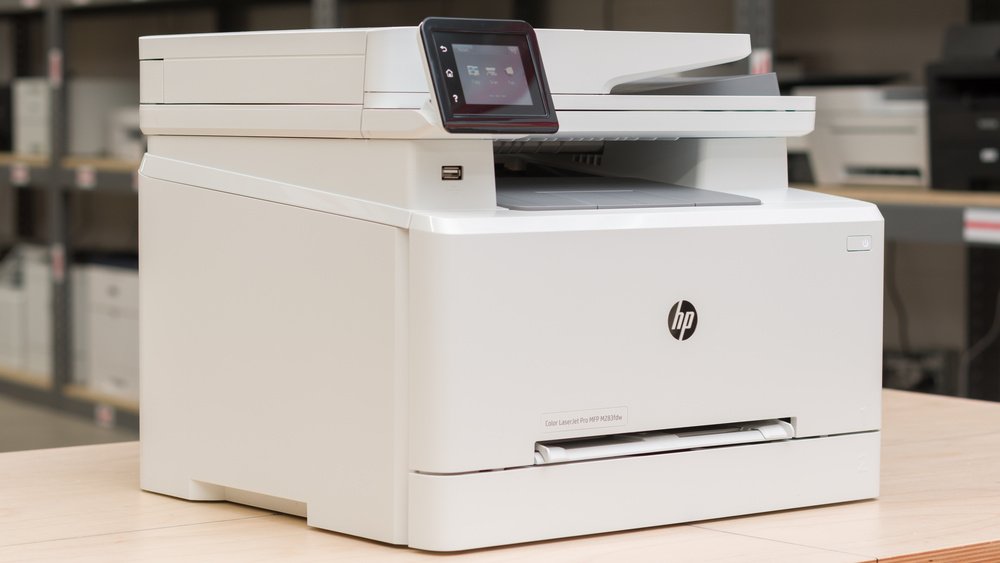
The multifunction printer is an integrated device that can perform tasks like printing, scanning, and making copies. Instead of having to buy several individual devices, the user is able to perform various functions on the same device when working on different documents. This allows for efficient use of space and equipment.
A home office printer and scanner is useful for freelancers, small businesses, and people working remotely. Larger multifunction machines are designed for offices that handle frequent printing and scanning. When comparing Printers for Office or Home in UAE, consider your daily workload, available space, and document requirements. If you are comparing different models, explore this guide to buy all-in-one printers online for home and office to understand which features suit your needs.
What to Remember
- Compact multifunction printers can suit home offices and small businesses.
- A3 multifunction photocopiers are more suitable for regular office printing.
- Compare printing speed, paper capacity, and connectivity.
- Check toner costs and replacement supplies before purchasing.
- Confirm warranty terms and equipment condition.
“The best printer is not always the most expensive machine. It is the one that matches your printing needs.”
Key Factors to Consider When Buying Printers for Office or Home in UAE
Before buying Printers for Office or Home in UAE, think about your needs and what you can afford in order to not spend more money than necessary.
Inkjet Printers vs Laser Printers
The inkjet printer uses liquid ink and is good for photos, colored prints, and sporadic printing at home. They tend to be less expensive when purchased new. Laser printers utilize toner cartridges and are often preferred for business printing. Laser printers are generally faster when it comes to text printing, especially at larger quantities.
Laser printers and business photocopiers are examples of BLS models discussed below.
Important Printer Features
- Print Speed: Measured in pages per minute (PPM). Higher speeds are useful for busy offices.
- Print Resolution: Measured in dots per inch (DPI). Suitable resolution helps produce clear documents and images.
- Connectivity: USB, Wi-Fi, and Ethernet allow compatible devices to connect to the printer.
- Duplex Printing: Automatic double-sided printing helps reduce paper consumption.
- Automatic Document Feeder: An ADF makes scanning and copying multiple pages easier.
- Paper Capacity: Larger trays are useful for offices handling frequent printing.
- Running Costs: Compare toner prices, replacement supplies, and expected maintenance expenses.
The most suitable best home office printer and scanner should be one that provides what is required without incurring any operational expenses.
Top 5 BLS Printers Models for Home Offices and Businesses in Abu Dhabi
Work environments have their own printing needs. In the context of finding Printers for Office or Home in UAE, the following five printers from the BLS Printers list should be considered.
1. HP Color LaserJet Pro MFP M283fdw – Best for Home Offices and Small Businesses
The HP Color LaserJet Pro MFP M283fdw is a compact colour laser multifunction printer suitable for home offices and small businesses. It combines printing, scanning, faxing, and photocopying functions into one device, making it handy for everyday and office documentation.
Key Features:
- Colour Laser Printing: Suitable for reports, presentations, and office documents.
- Print Speed: Up to approximately 21 pages per minute for A4 documents.
- Automatic Duplex Printing: Prints on both sides of the paper.
- Wireless Connectivity: Supports compatible wireless and mobile printing.
- Document Feeder: Helps manage multi-page scanning and copying.
- Compact Design: Suitable for smaller office workspaces.
For buyers looking for the best printer for home use in a work-from-home setup, this model is worth considering, although its toner-based running costs should be compared with ink tank alternatives. This is also a feasible solution while comparing a printer for home use that is compatible with business operations.
2. Sharp BP-20C20 – Best Compact Colour Office Printer
The Sharp BP-20C20 is an A3 colour multifunction printer designed for small offices and businesses. It provides services for printing, scanning, and copying while allowing large paper size other than the standard A4.
Key Features:
- A3 Colour Printing: Suitable for business documents requiring larger paper sizes.
- Printing Speed: Up to 20 pages per minute for A4 documents.
- Multifunction Features: Supports printing, scanning, and copying.
- Automatic Duplex Printing: Helps reduce paper use.
- Paper Handling: Supports different paper sizes and office requirements.
- Compact Office Design: Suitable for businesses with limited equipment space.
Businesses comparing the best office printer scanner can consider this model for regular document handling. It is primarily meant for office work and not domestic purposes.
3. Konica Minolta Bizhub C300i – Best for Everyday Office Printing
The Konica Minolta Bizhub C300i is an A3 colour multifunction photocopier designed for offices that handle regular printing and document management. It is ideal for situations where many employees require access to common printer facilities in the workplace environment.
Key Features:
- Printing Speed: Up to 30 pages per minute for A4 documents.
- A3 Colour Printing: Supports larger business documents.
- Multifunction Support: Printing, copying, and scanning.
- Touchscreen Control: Makes everyday printer operations easier.
- Network Connectivity: Supports shared office printing.
- Paper Handling: Suitable for regular business document workloads.
For businesses searching for a dependable office printer, this model offers features designed for shared workplace use. Its dimensions and printing capabilities make it better suited for office use rather than small home desks.
4. Kyocera TASKalfa 2554ci – Best for Growing Businesses
The Kyocera TASKalfa 2554ci is an A3 colour multifunction printer suitable for growing businesses that need printing, copying, and scanning. The device is meant for organizations involved in continuous document production and require flexible paper handling.
Key Features:
- Colour Printing: Supports business reports, presentations, and documents.
- Print Speed: Up to 25 pages per minute for A4 printing.
- A3 Paper Support: Useful for larger documents.
- Multifunction Features: Includes printing, scanning, and copying.
- Network Printing: Suitable for shared office environments.
- Expandable Paper Handling: Supports additional paper capacity through compatible configurations.
This system can be compared favorably while purchasing equipment for organizations with growing printing needs. Buyers should confirm the installed accessories and configuration before purchasing.
5. Canon imageRUNNER ADVANCE C3326i – Best for Busy Offices
The Canon imageRUNNER ADVANCE C3326i is an A3 colour multifunction printer designed for business environments. It is compatible with printing, scanning, and photocopying along with providing functionality for shared office documentation management.
Key Features:
- Printing Speed: Up to 26 pages per minute for A4 documents.
- Colour Multifunction Printing: Supports printing, copying, and scanning.
- A3 Paper Compatibility: Suitable for larger business documents.
- Automatic Duplex Printing: Helps reduce paper consumption.
- Touchscreen Operation: Provides access to printer functions.
- Network Connectivity: Supports multiple users in an office.
Businesses looking for the best printer in abu dhabi should compare this model with their daily printing volume and document requirements. It is particularly relevant for offices that need a shared multifunction photocopier.
Choosing the Best Home Printer or Office Printer in Abu Dhabi
The best home printer depends on printing frequency, document type, available space, and budget. A small printer could suffice for an individual who prints occasionally. Nevertheless, one working from home might want to have a multifunctional laser printer that can scan and connect wirelessly.
When searching for the best home printer abu dhabi, compare printer dimensions, replacement toner costs, and the functions included. Printing speed, paper capacity, connectivity, and maintenance services gain prominence for businesses. The best quality printer in abu dhabi should match your workload and deliver suitable performance without unnecessary operating expenses.
Choosing Office Printer Suppliers in Abu Dhabi
Selecting suitable office printer suppliers in abu dhabi is important because purchasing a printer involves more than choosing a model. When purchasing Printers for Office or Home in UAE, businesses should also consider toner availability, spare parts, warranty conditions, and maintenance requirements.
Prior to purchase, find out the condition of the machine, its accessories, the installation process, and the service support. Businesses looking for available equipment can explore BLS Printers’ printers on sale and compare suitable models.
Looking for Office Printer Suppliers in Abu Dhabi?
Explore printers for offices and businesses, compare models, and get information about toner availability, spare parts, warranty, installation, and maintenance support. Contact BLS Printers for suitable office printing solutions in Abu Dhabi.
Benefits of Choosing BLS Printers
BLS Printers provides businesses in Abu Dhabi with printing solutions, toner cartridges, replacement parts, and maintenance services. Customers can explore suitable machines based on their printing volume, office requirements, and budget.
BLS Printers helps customers explore Printers for Office or Home in UAE, from compact colour laser printers to A3 multifunction photocopiers, based on their requirements and budget.
Choose the Right Printer for Your Home or Office
Choosing suitable Printers for Office or Home in UAE becomes easier when you understand your printing requirements. Multifunctional printers that are compact could be helpful for home and small offices, whereas large A3 photocopying machines are for heavy duty office work.
Comparing features, equipment size, running costs, and maintenance requirements can help you select the right printer for your needs.
Explore Suitable Printing Solutions with BLS Printers
Looking for a printer or multifunction photocopier in Abu Dhabi? Contact BLS Printers to discuss available equipment, printing requirements, toner supplies, spare parts, and maintenance-related support.
Frequently Asked Questions
1. What is the best printer for home use in the UAE?
The HP Color LaserJet Pro MFP M283fdw is a suitable option for home offices needing colour printing, scanning, and copying.
2. What type of printer is best for home office use?
A multifunction inkjet or laser printer is suitable, depending on your printing volume, colour requirements, and budget.
3. How much does a printer cost in the UAE?
Printer prices vary by brand, model, features, and condition. Contact BLS Printers to check available models and prices.
4. Which printer is best for a home office?
This is a placeholder tab content. It is important to have the necessary information in the block, but at this stage, it is just a placeholder to help you visualise how the content is displayed. Feel free to edit this with your actual content.
5. Can I buy an HP printer in the UAE?
Yes, HP printers are available in the UAE. BLS Printers lists the HP Color LaserJet Pro MFP M283fdw among its printer models.
6. Is Epson better than HP?
Epson ink tank printers can suit frequent colour printing, while HP laser printers are useful for regular office documents.
7. What are the top 5 printers for home and office use?
The HP M283fdw, Sharp BP-20C20, Konica Minolta Bizhub C300i, Kyocera TASKalfa 2554ci, and Canon C3326i are five options to compare.
8. Is inkjet or laser better for a home office?
Inkjet printers suit colour images and occasional printing, while laser printers are useful for frequent text documents.
9. What is a good affordable printer for home office use?
The HP LaserJet MFP M141w is a compact option worth comparing, depending on current pricing and availability.
10. Which printer is best for small businesses in Abu Dhabi?
The Sharp BP-20C20 and HP Color LaserJet Pro MFP M283fdw are worth considering for small-business printing needs.
Latest Blog
-
 Best Commercial Printer Rental Abu Dhabi for Businesses Handling High-Volume Print Jobs
-
 Best Printer for Small Business When Every Print Job Impacts Your Profit
-
 Xerox Machine Price in UAE: Best Models, Features and Buying Guide for 2026
-
 Printer maintenance service in Abu Dhabi On-Site Printer Service
-
 Printer Spare Parts in Abu Dhabi, Dubai, UAE
-
 Printer Shop In Abu Dhabi | Printers, Ink & Toner
-
 Top 10 Buying Checklist Office Printers for Sale in Abu Dhabi,Dubai,UAE
-
 Top 10 Best printer dealers in Abu Dhabi,UAE
-
 Printer Toners and Cartridges Suppliers in Abu Dhabi: Top Brands and Profiles
-
 Printer Rental Services in Abu Dhabi: 5 Things to Check Before Choosing
-
 Top Printer Solutions for Government Offices in Abu Dhabi 2026 Guide
-
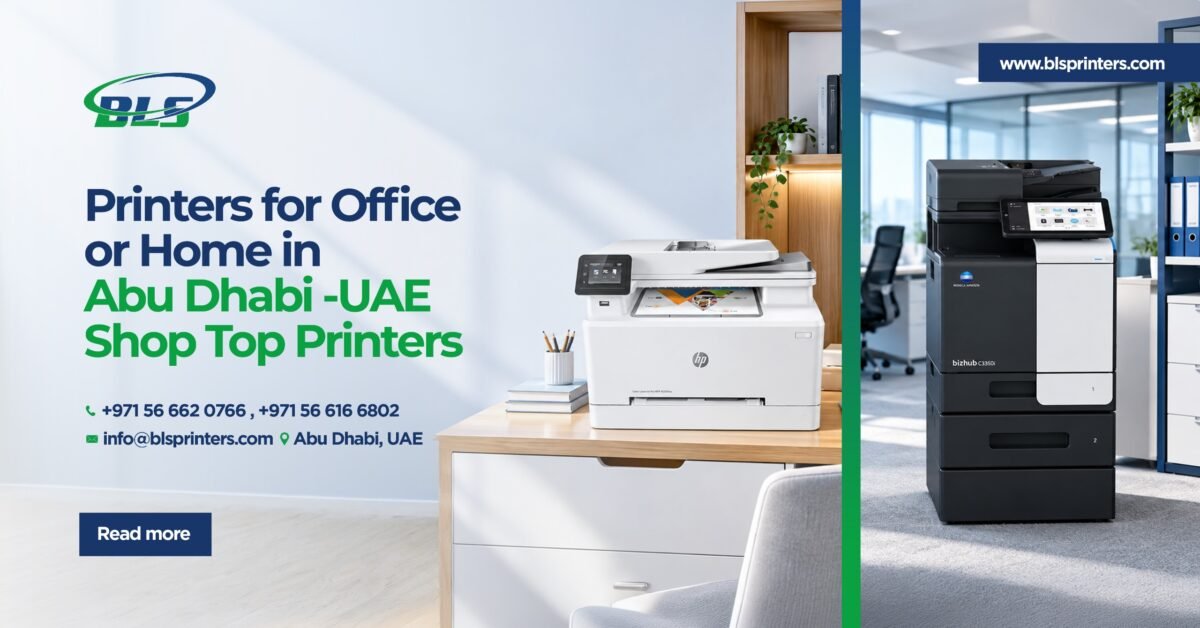 Printers for Office or Home in Abu Dhabi UAE | Shop Top Printers
-
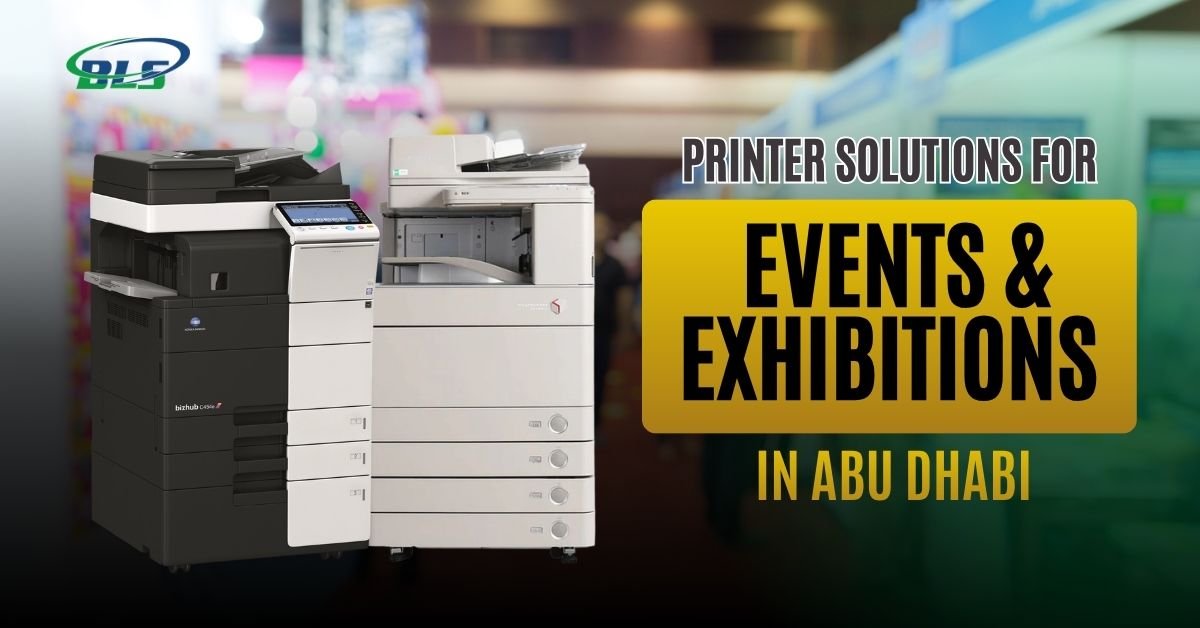 Printer Solutions for Events & Exhibitions in Abu Dhabi
-
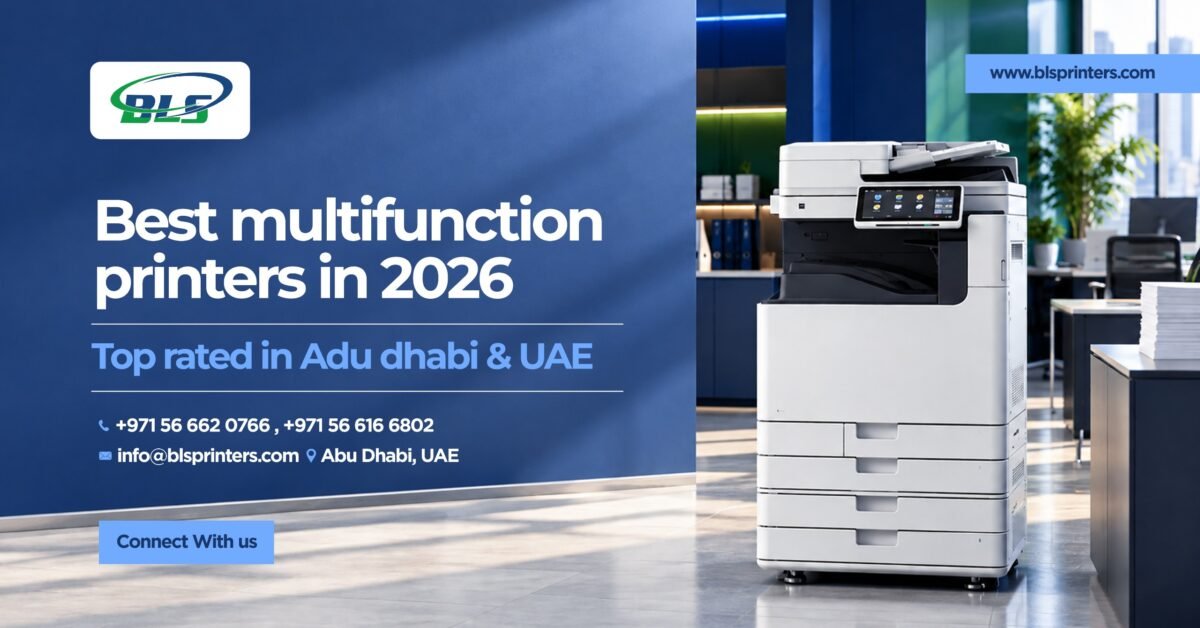 Best Multifunction Printers in 2026 for Offices in Abu Dhabi and UAE
-
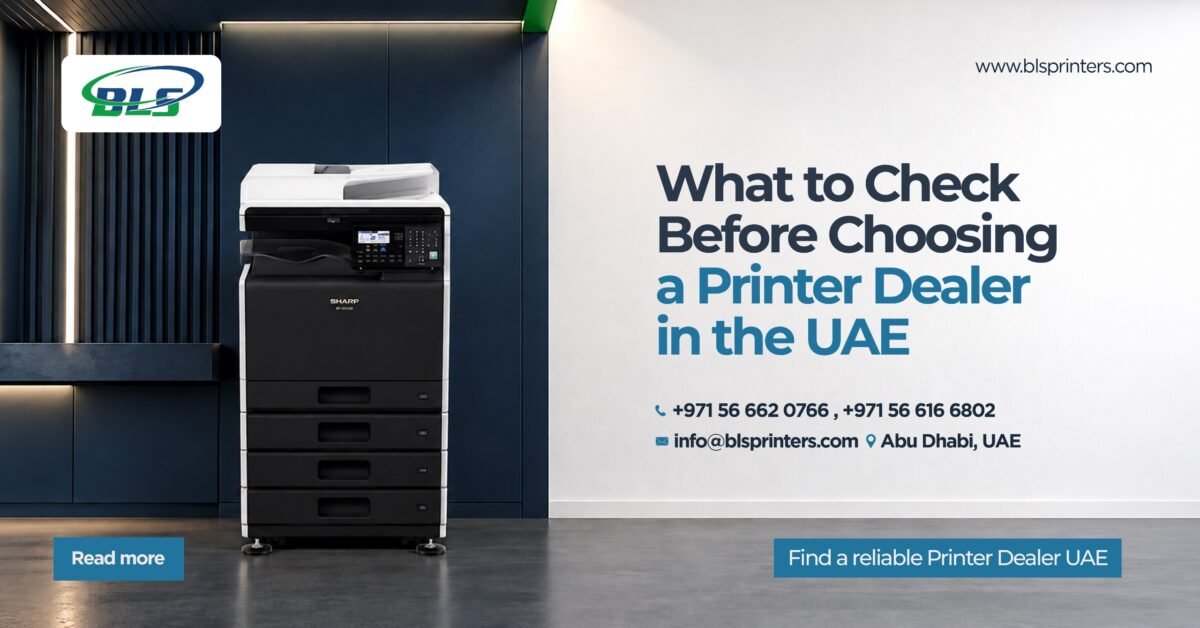 What to Check Before Choosing a Printer Dealer in the UAE
-
 Improve Your Business Printing with Quality Printer Sales in Abu Dhabi
-
 Printer For Sale In Abu Dhabi, Dubai, UAE New & Used
-
 Printer Repair Service for Common Printer Problems
-
 Best Printers in Abu Dhabi for Offices & Businesses
-
 Trusted Canon – Printer Supplier & Dealer in Abu Dhabi, Dubai, UAE
-
 What Are the Best Printers for UAE Offices in 2026
-
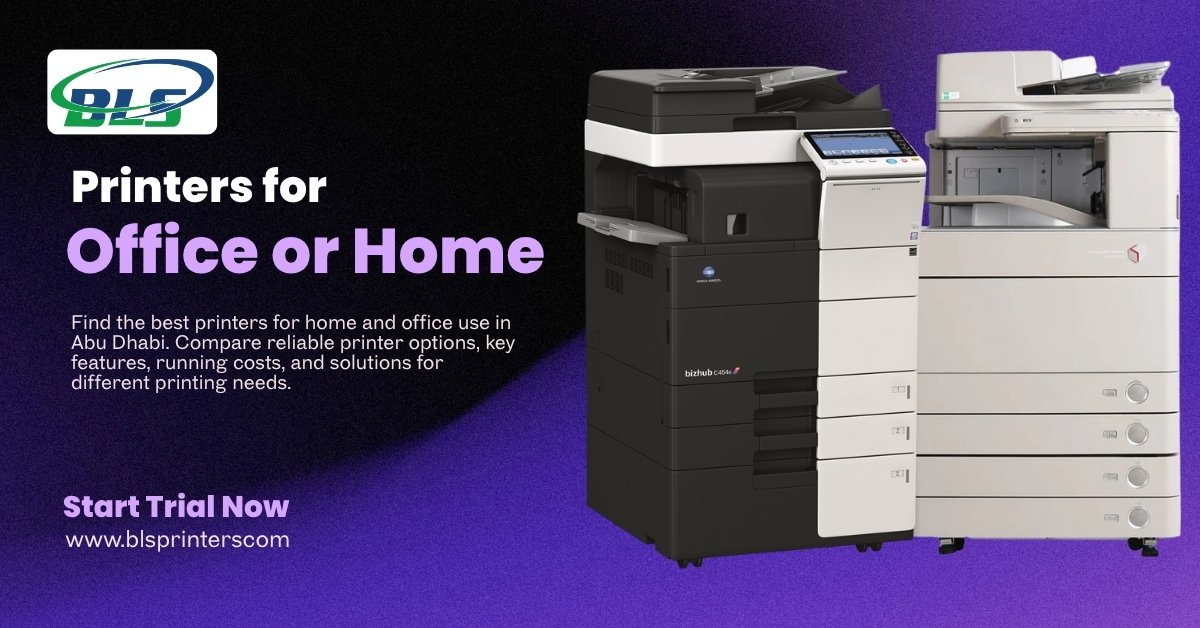 Best Printers for Office or Home in UAE: Expert Picks for Abu Dhabi Buyers
-
 Buy All in One Printers Online for Home and Office Needs
-
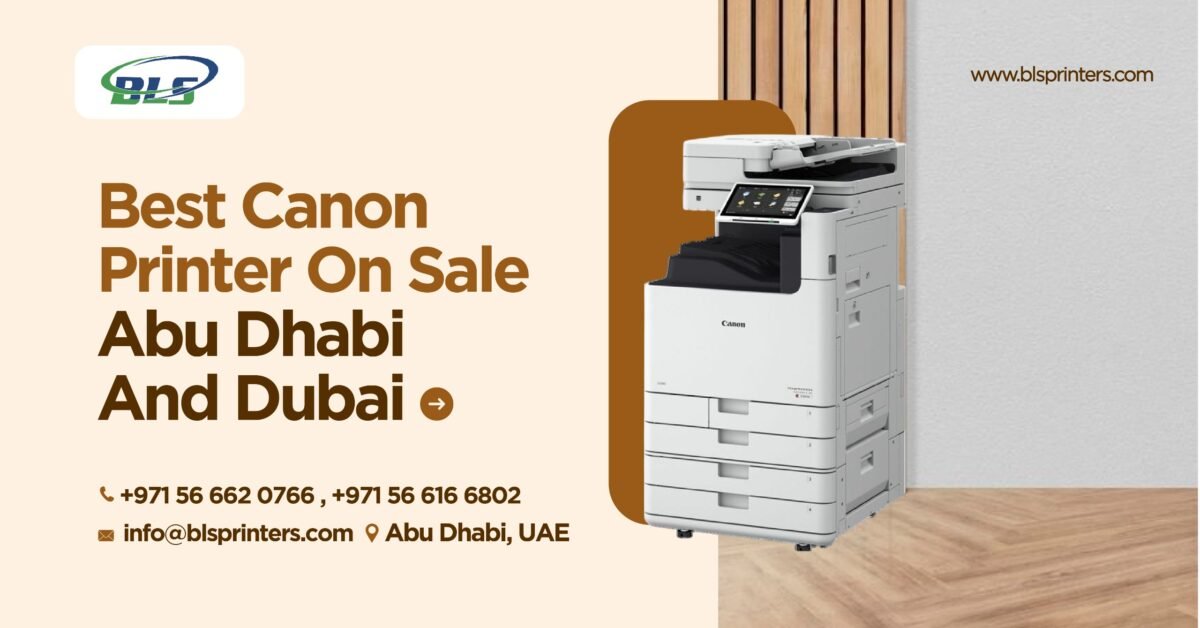 Best Canon Printer on Sale in Abu Dhabi and Dubai
-
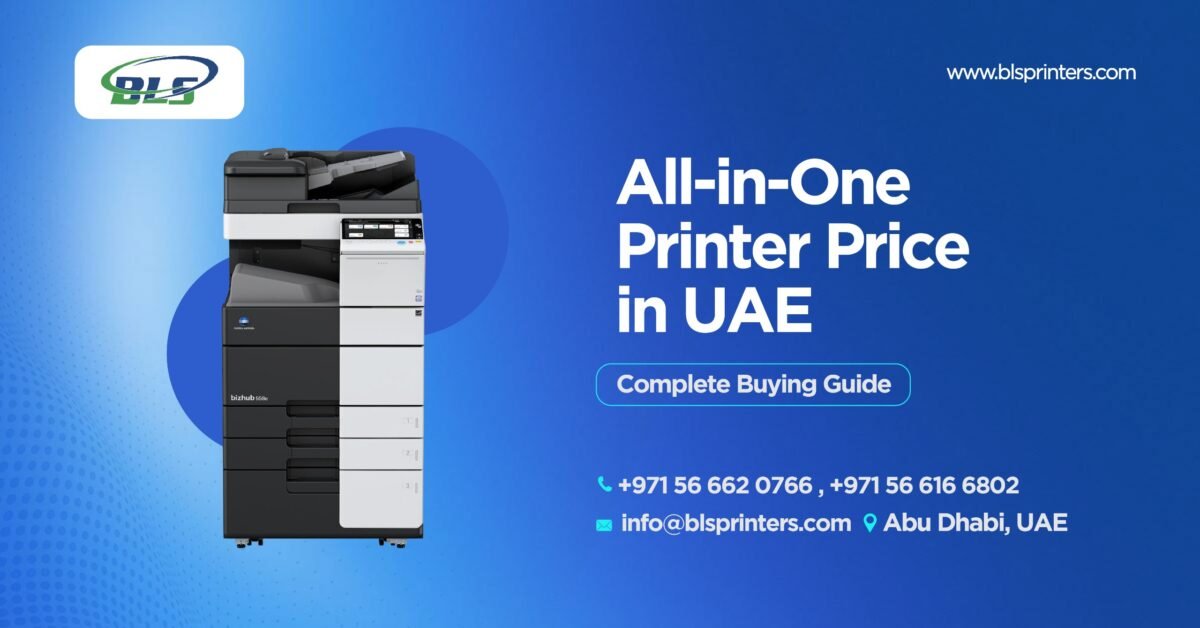 All-in-One Printer Price in UAE: Complete Buying Guide
-
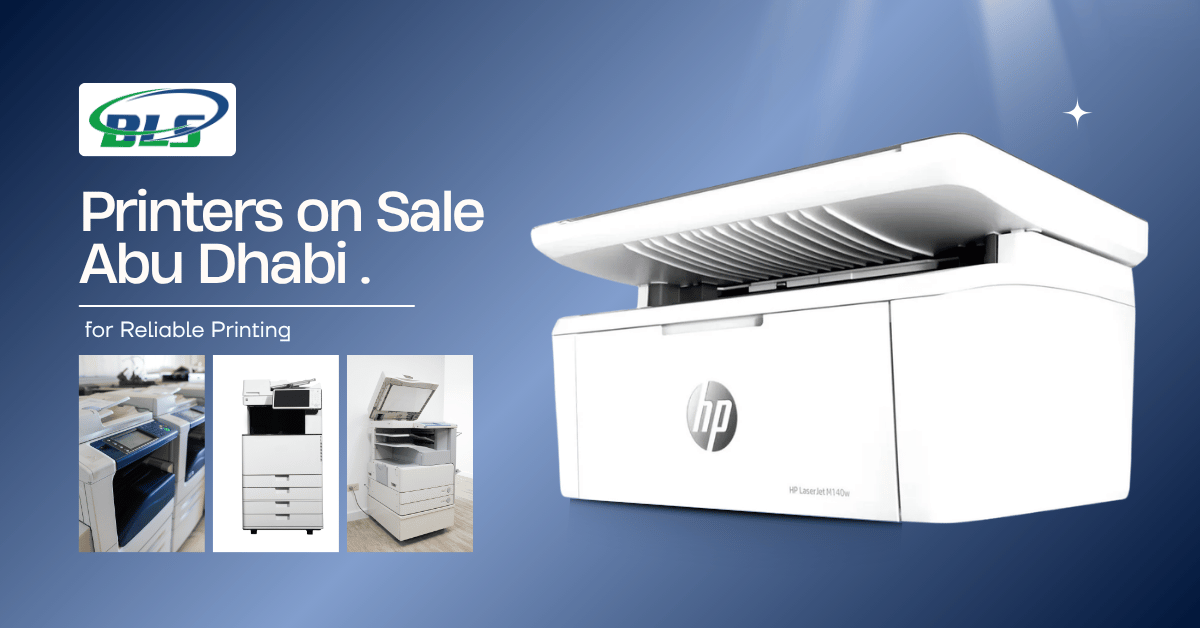 Inkjet Printers on Sale Abu Dhabi for Different Printing Needs .
-
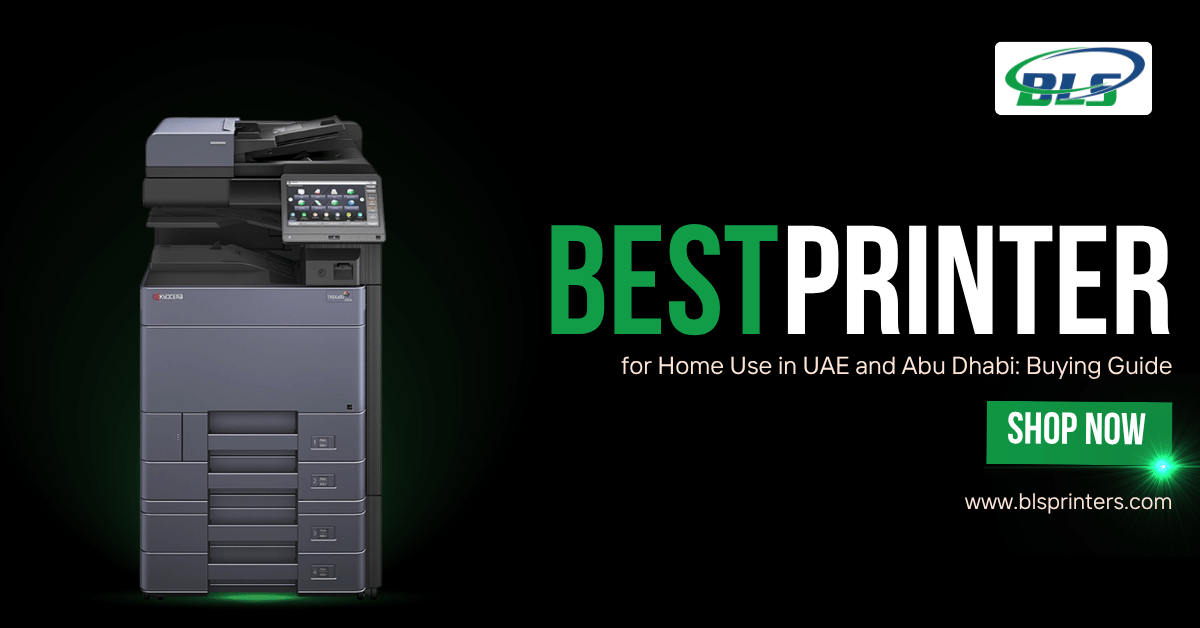 Best Printer for Home Use in UAE and Abu Dhabi: Buying Guide
-
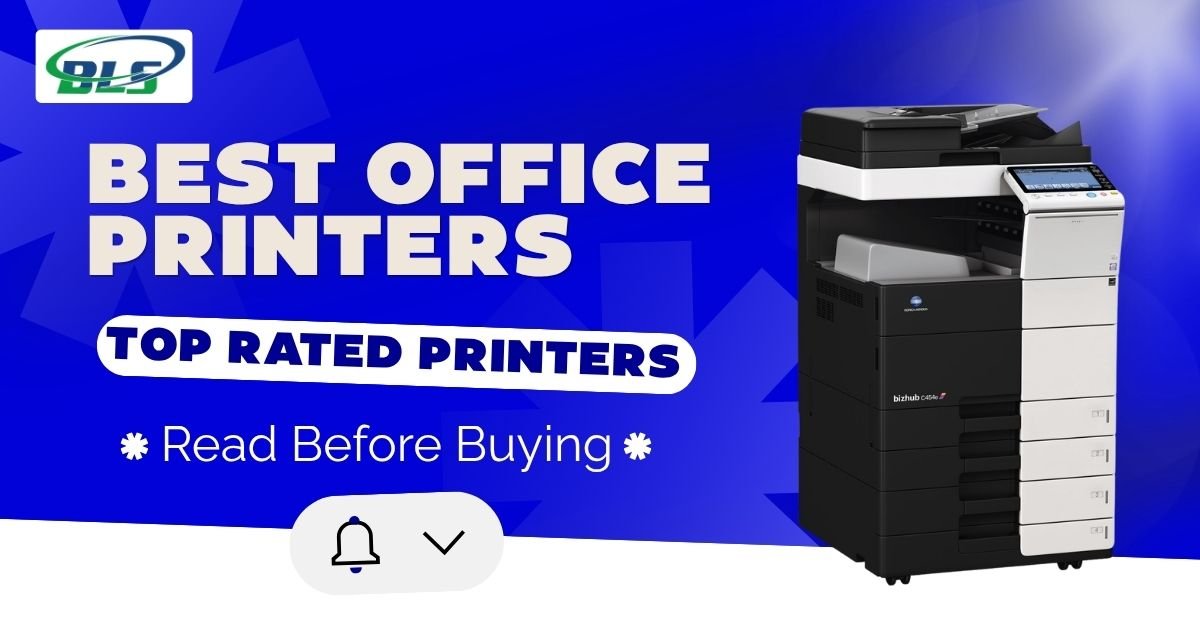 Best Office Printers for UAE Businesses and Top Choices
-
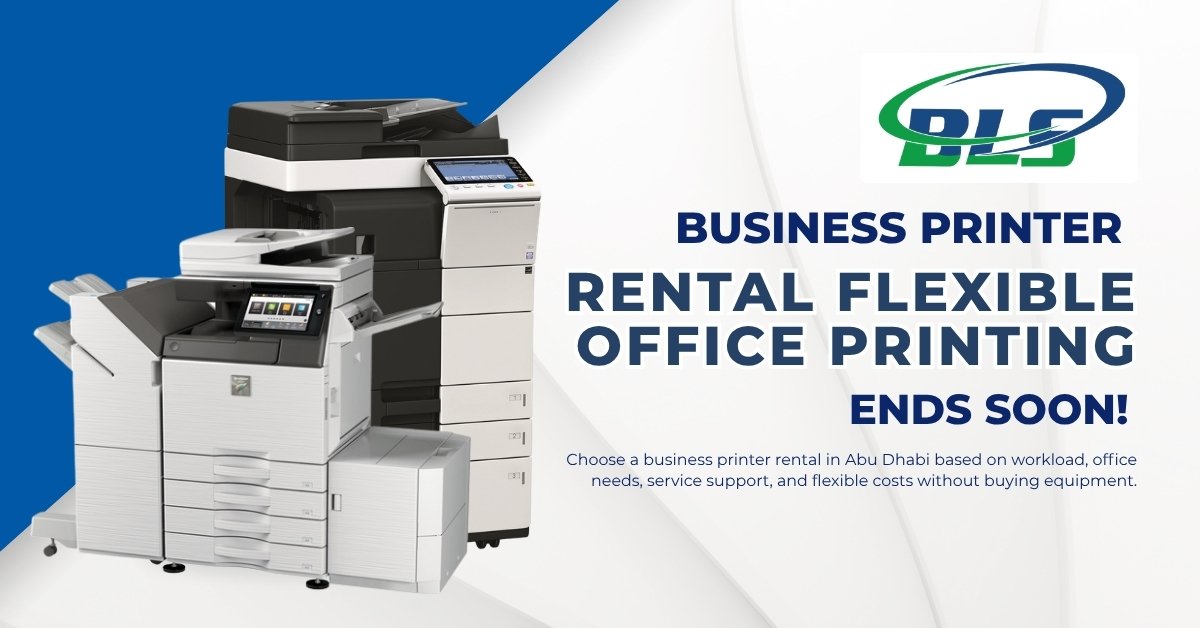 Business Printer Rental for Flexible Office Printing
-
 Xerox Machine Price in UAE: Find the Right Option
-
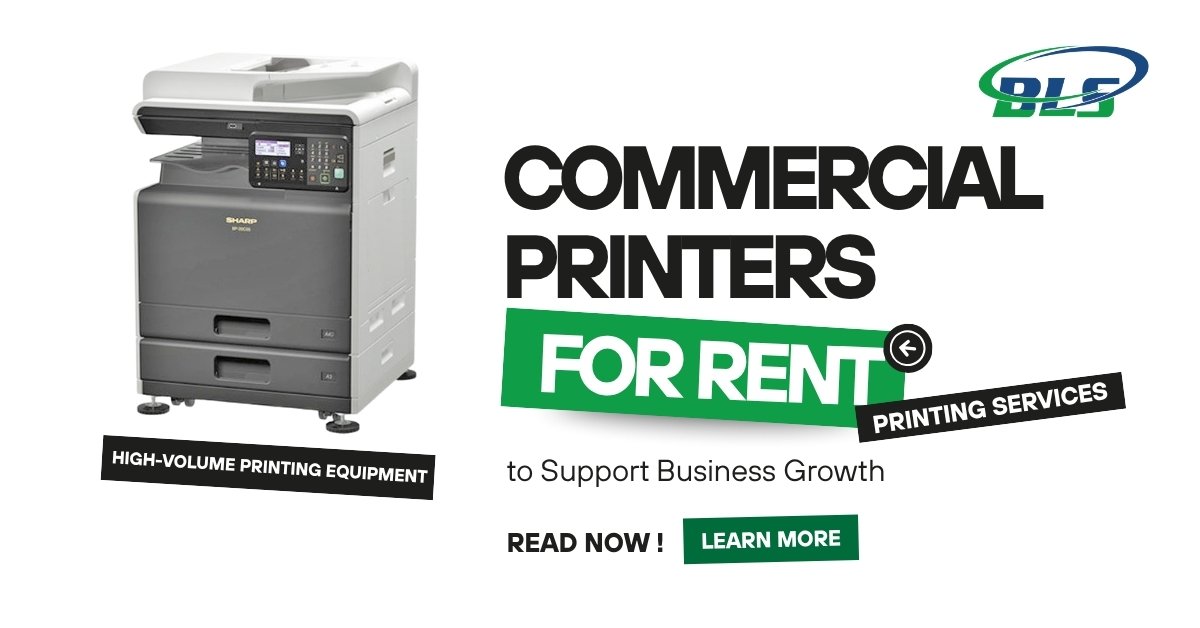 Commercial Printers for Rent to Support Business Growth
-
 Printer & Copier Spare Parts And Consumables in Dubai
-
 Printer Rental Cost: Look Beyond the Number on the Quote
-
 Printer Servicing & Repair for Reliable Business Printing | BLS
-
 Commercial Printer Rental for Flexible Workplace Printing
-
 Printer Maintenance Contract for Smarter Business Printing
-
 Printer Spare Parts Guide: Common Components, Uses, and Replacement Signs
-
 Top Reasons to Upgrade Your Office Copier in 2026
-
 Business Printer Rental Solutions for Expanding Office Operations
-
 Toner and Cartridge Supplies in Abu Dhabi: Complete Business Buying Guide
-
 Top 7 Benefits of Photocopy Machine Rental for Abu Dhabi Businesses
-
 10 Questions to Ask Before Choosing a Cartridge Supplier in Abu Dhabi
-
 Reliable Printer Maintenance Services for Business Printing in Abu Dhabi
-
 Photocopy Machine Rental Solutions for Efficient Business Printing
-
 Professional Toners & Cartridges in Abu Dhabi for Office Printing
-
 Affordable Copier Leasing Solutions for Offices in Abu Dhabi
-
 Printer Rental in Dubai with Free Machines, Toner, and Service!
-
 Top Benefits of Printer Leasing for New Businesses in Abu Dhabi
-
 Digital Printing Service in Abu Dhabi | BLS Printers UAE
-
 Printer Rental Cost: A Smart Guide for Businesses in Abu Dhabi