Our Blog
Printer Spare Parts Guide: Common Components, Uses, and Replacement Signs
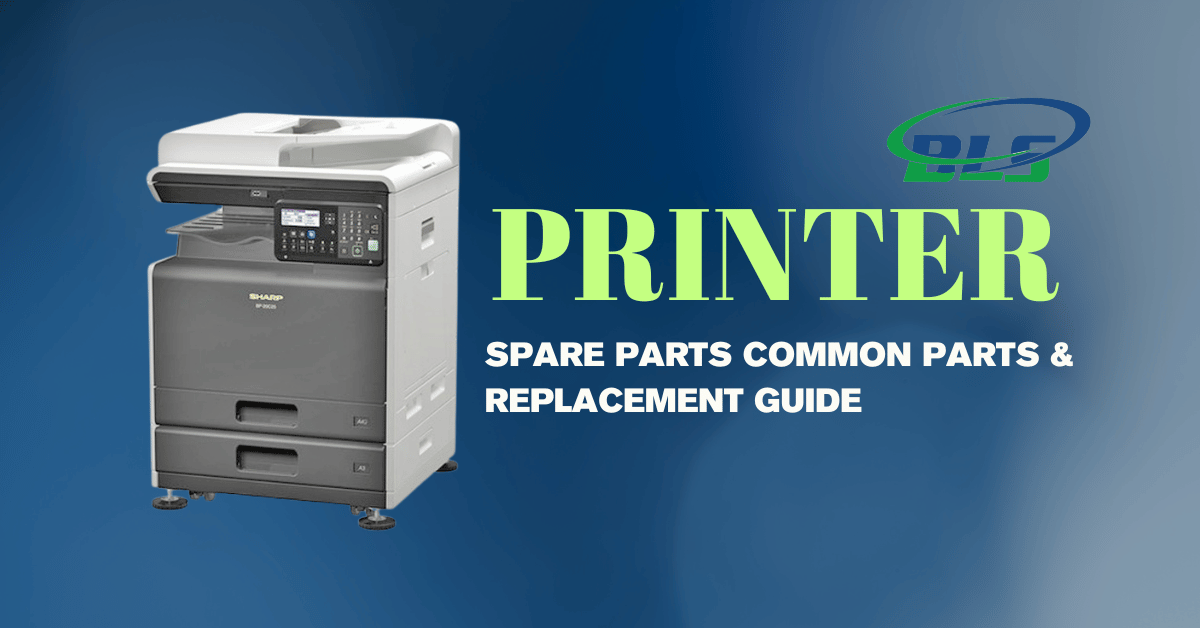
Table of Contents
- What Are Printer Spare Parts?
- Common Printer Spare Parts and Their Uses
- When Should Printer Parts Be Replaced?
- Printer Spare Parts vs Toner and Consumables
- Choosing the Right Spare Parts for Your Printer
- Finding Reliable Printer Parts in Dubai and Abu Dhabi
- Why Regular Printer Maintenance Matters
- How to Reduce Printer Spare Part Replacement Costs
- Frequently Asked Questions :
It is impossible to imagine offices, educational institutions, retail shops, hospitals, and businesses without printers. A printer consists of many parts like any other machine, which wears off with constant usage. Learning about these parts may help businesses spot any issues with their printers.
Choosing the proper Printer Spare Parts will assist in providing high-quality printing, performance of the printer, and reliability. Each part serves its own purpose in the whole structure of the printer.
What Are Printer Spare Parts?
Components of a printer that are meant for replacing are referred to as printer spare parts. The parts may get worn out by use since the printing involves friction, heat, moving paper, dust, and mechanical actions.
Examples of parts that could be replaced are:
- Pick-up rollers and feeders
- Separator rollers
- Fusing units
- Drums
- Transfer rollers
- Maintenance kits
- Paper trays and feeders
- Belt and gear assembly
- Toner waste box
- Printer heads for printers of different types
Using compatible components ensures smooth printer performance.
Common Printer Spare Parts and Their Uses
Different printer components perform different functions. Knowing what each part does makes it easier to understand common printer problems.
1. Pickup and Feed Rollers
The pickup rollers will take the paper from the tray and feed it into the printer. The feed rollers will assist in feeding the paper inside the printer along the paper path.
These rollers tend to wear out or get smooth because of their frequent usage. If this occurs, the printer might have difficulty picking up the paper.
Signs that indicate replacement include:
- Frequent jamming of papers
- Feeding of multiple papers
- Failure to pick up the paper
- Delayed feeding of the paper
- Feeding the paper at an angle
2. Separation Pads
The separation pads function along with the pickup rollers to make sure that each sheet is fed properly into the printer.
The deterioration of the separation pad can lead to the feeding of more than one sheet into the printer at once.
If the printer is consistently drawing more than one sheet at a time, then the separation pad needs to be checked.
3. Fuser Unit
One of the most critical parts of the laser printer is the fuser. It is used to bind the toner to the paper using heat and pressure.
Since the fuser works at high temperatures, it may wear out eventually.
Some symptoms that show you are having a problem with the fuser are:
- Rubbing of the toner from the paper
- Frequent jamming of paper at the outlet
- Dirty prints
- Wrinkled paper
- Inadequately fixed toner
- Error messages about the fuser temperature
Proper replacement of the fuser will help you maintain professional prints.
4. Imaging Drum
The imaging drum is used to transfer the toner image to the paper in the printing process. The condition of the drum has a bearing on the print quality.
A faulty drum can lead to various defects on the printouts.
Look out for:
- Repeat spots
- Vertical lines
- Gray background
- Inconsistency in print density
- Repeated defects in the images
The frequency of replacement will vary depending on the printer model and load.
5. Transfer Roller
The role of the transfer roller is to transport the toner from the imaging unit to the paper.
If the transfer roller is dirty or deteriorated, the printed documents will exhibit irregular toner coverage.
The most common symptoms are faded spots, uneven printing, background marking, and repetitive print defects.
6. Maintenance Kits
Most commercial printers have maintenance kits that include a number of wearing parts. This could include rollers, fusing parts, transferring parts and others depending on the make of the printer.
Maintenance kits have been developed with the aim of ensuring that the printers work efficiently.Companies with heavy demands in printing should not wait until they have broken down before doing maintenance.
When Should Printer Parts Be Replaced?
Just because there is a problem with the printer does not necessarily mean that something must be replaced immediately.If there is visible physical wear on the part or if the problem persists after the maintenance is performed, then replacement should be considered.
Look for these warning signs:
Frequent Paper Jams
The occasional paper jam could have a variety of causes. A frequent paper jam in the same spot might indicate worn rollers, defective guides, or a fuser issue.
Poor Print Quality
Print lines, dots, fading, smudging, or recurring marks could mean issues with the drum, transfer system, fuser, or parts related to toner.
Unusual Noises
Rattling, clicks, squeaks, or other recurring mechanical noises could suggest wear and tear of gears, rollers, or other moving parts.
Noticing unusual sounds could prevent damage from getting worse.
Paper Feeding Issues
If the printer is not picking up the paper or picking up too many sheets, check the pickup roller and separation pad.
Recurring Error Messages
Hardware-related error messages that occur frequently should not be overlooked. A professional can determine whether the cause is a part that needs to be replaced or something else with the printer.
Printer Spare Parts vs Toner and Consumables
It is crucial to know the distinction between spare parts and consumables.
Toner cartridges, ink cartridges, and some maintenance products are considered consumables since they are used constantly for printing.
Mechanical and electronic parts are normally seen as spare parts since they get replaced when worn out or defective.
Both groups need to be kept by companies. An organization can have a new toner cartridge but might have problems when some essential roller or fuser breaks down.
For information about toner and cartridge requirements, businesses can refer to this toner and cartridge supply guide for Abu Dhabi.
Choosing the Right Spare Parts for Your Printer
Components used in printers are not always interchangeable. It is possible that the part made for a certain printer does not fit another printer.
- When buying a spare part, the following factors should be considered:
- Printer make
- Printer model
- Part number
- Specs from the manufacturer
- Printer line
- Replacement cycle
Businesses looking for Printer & Copier Spare Parts And Consumables should verify compatibility before purchasing. Using an incorrect component can cause additional errors or affect print quality.
Working with an experienced supplier or service provider can make the selection process easier.
Finding Reliable Printer Parts in Dubai and Abu Dhabi
A business entity with several printers would want to have a reliable supplier from where they will buy spare parts for their printers. This will save time during maintenance when a part is required.
Some factors to be considered while selecting Printer Spare Parts Dubai & Abu Dhabi include product compatibility, availability, technical support, and after sales services.
A good supplier must be capable of identifying the right component that is needed based on the particular printer brand and the kind of problem being faced by the user.
If you also need toner regularly, you may contact an appropriate toner cartridge supplier.
Why Regular Printer Maintenance Matters
Component replacement is not the only process involved in printer maintenance. Routine maintenance will detect any problems that may occur in the future. Professional maintenance services include the following processes:
- Internal component cleaning
- Rollers and paper path inspection
- Fuser checking
- Imaging system inspection
- Dust and toner removal
- Print quality testing
- Error code checking
- Replacement of worn components
Businesses can learn more about professional printer maintenance services in Abu Dhabi and identify suitable maintenance options based on their equipment and workload.
For ongoing technical support, a dedicated printer maintenance service can help businesses keep their equipment operational.
How to Reduce Printer Spare Part Replacement Costs
The cost of repairs may be minimized through a preventive maintenance strategy in businesses.
Firstly, make sure you use your printer according to manufacturer recommendations. Do not overload the paper trays, and also make sure that you have the right type of paper for your printer.
Secondly, clean the printer and its surroundings. The presence of dust and paper bits might impact the performance of the rollers and sensors among other inner workings of the machine.
Thirdly, heed early warning signs rather than using a malfunctioning printer.
Finally, maintain an appropriate toner supply for frequently used printers. This helps prevent interruptions caused by depleted consumables.
Keep Your Printer Running at Its Best
There are many components in printers that collaborate to deliver reliable documents. Rollers transport paper, drums assist in generating an image, while transfer components convey toner. Fusers permanently attach toner to the document.
Knowledge of common printer spare parts and signs for their replacement can assist businesses in identifying issues early and avoid unplanned downtime.
Regular maintenance, proper component selection, and timely replacement can ensure the longevity of printers. Business firms that require toner, spare components, and maintenance services should consider options that fit with their printer models and usage.
For toner requirements, businesses can also explore printer toners and cartridges and select compatible supplies for their equipment.
Frequently Asked Questions :
1. What are the most common printer spare parts?
Common printer spare parts include rollers, fuser units, imaging drums, print heads, transfer belts, paper feed components, and maintenance kits.
2. How do I know when a printer part needs replacement?
Frequent paper jams, poor print quality, unusual noises, slow printing, and repeated error messages can indicate worn or damaged parts.
3. Can printer spare parts improve print quality?
Yes. Replacing worn components such as drums, fusers, rollers, or print heads can help restore consistent and professional print quality.
4. Should I choose genuine or compatible printer spare parts?
Genuine parts are designed specifically for particular printer models. Compatible parts can also be suitable when they meet the required specifications and quality standards.
5. How often should printer spare parts be replaced?
Replacement depends on the printer model, usage volume, component type, and manufacturer’s recommendations. Parts should be replaced when they become worn or affect performance.
6. Can worn printer rollers cause paper jams?
Yes. Worn or damaged rollers may have difficulty feeding paper correctly, resulting in frequent jams or multiple sheets being picked up.
7. Does printer maintenance reduce the need for spare parts?
Regular maintenance helps identify wear early, clean internal components, and prevent avoidable failures, which can reduce unexpected spare-part replacement.
8. Where can businesses find Printer Spare Parts Dubai & Abu Dhabi?
Businesses should choose a reliable supplier offering compatible components for different printer brands and models, along with technical support when required.
9. Can the wrong printer spare part damage a printer?
Using an unsuitable or incompatible component may affect printer performance and potentially cause further problems. Always check the exact printer model before purchasing.
10. Do printer toners and cartridges affect printer performance?
Yes. Using suitable, quality toners and cartridges helps maintain consistent print quality and supports reliable printer performance.
Latest Blog
-
 Printer Repair Service for Common Printer Problems
 -
 Best Printers in Abu Dhabi for Offices & Businesses
 -
 Trusted Canon – Printer Supplier & Dealer in Abu Dhabi, Dubai, UAE
 -
 What Are the Best Printers for UAE Offices in 2026
 -
 Best Printers for Office or Home in UAE: Expert Picks for Abu Dhabi Buyers
 -
 Buy All in One Printers Online for Home and Office Needs
 -
 Best Canon Printer on Sale in Abu Dhabi and Dubai
 -
 All-in-One Printer Price in UAE: Complete Buying Guide
 -
 Inkjet Printers on Sale Abu Dhabi for Different Printing Needs .
 -
 Best Printer for Home Use in UAE and Abu Dhabi: Buying Guide
 -
 Best Office Printers for UAE Businesses and Top Choices
 -
 Business Printer Rental for Flexible Office Printing
 -
 Xerox Machine Price in UAE: Find the Right Option
 -
 Commercial Printers for Rent to Support Business Growth
 -
 Printer & Copier Spare Parts And Consumables in Dubai
 -
 Printer Rental Cost: Look Beyond the Number on the Quote
 -
 Printer Servicing & Repair for Reliable Business Printing | BLS
 -
 Commercial Printer Rental for Flexible Workplace Printing
 -
 Printer Maintenance Contract for Smarter Business Printing
 -
 Top Reasons to Upgrade Your Office Copier in 2026
 -
 Business Printer Rental Solutions for Expanding Office Operations
 -
 Toner and Cartridge Supplies in Abu Dhabi: Complete Business Buying Guide
 -
 Top 7 Benefits of Photocopy Machine Rental for Abu Dhabi Businesses
 -
 10 Questions to Ask Before Choosing a Cartridge Supplier in Abu Dhabi
 -
 Reliable Printer Maintenance Services for Business Printing in Abu Dhabi
 -
 Photocopy Machine Rental Solutions for Efficient Business Printing
 -
 Professional Toners & Cartridges in Abu Dhabi for Office Printing
 -
 Affordable Copier Leasing Solutions for Offices in Abu Dhabi
 -
 Printer Rental in Dubai with Free Machines, Toner, and Service!
 -
 Top Benefits of Printer Leasing for New Businesses in Abu Dhabi
 -
 Digital Printing Service in Abu Dhabi | BLS Printers UAE
 -
 Printer Rental Cost: A Smart Guide for Businesses in Abu Dhabi
 -
 Searching for quality printer spare parts in Abu Dhabi
 -
 Best Office Printers for Sale in Abu Dhabi: Features, Benefits & Buying Tips
 -
 How Reliable Toner Cartridge Suppliers in Abu Dhabi Support Your Business
 -
 The Benefits of Choosing Copiers Rental for Your Business.
 -
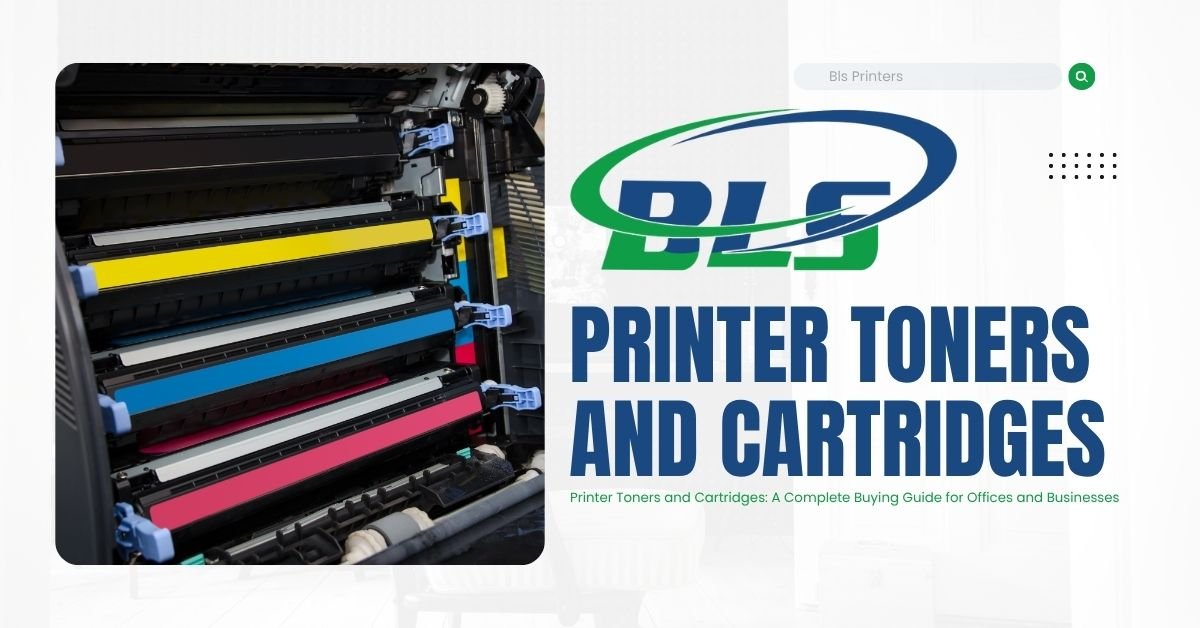 Printer Toners and Cartridges: A Complete Buying Guide for Offices and Businesses
 -
 Best Printer Maintenance Services for Offices & Businesses
 -
 Top 10 Printer Sales, Service, Rental, Contract, and Maintenance Companies in Abu Dhabi
 -
 Printer Rental Company | Flexible Plans | BLS Printers
 -
 Printers on Sale | Best Printing Machine Deals | BLS Printers
 -
 Best Printer Rental Abu Dhabi for Offices & Business
 -
 Printers for Rent for Offices, Events & Business Operations