Our Blog
Best Printer for Home Use in UAE and Abu Dhabi: Buying Guide
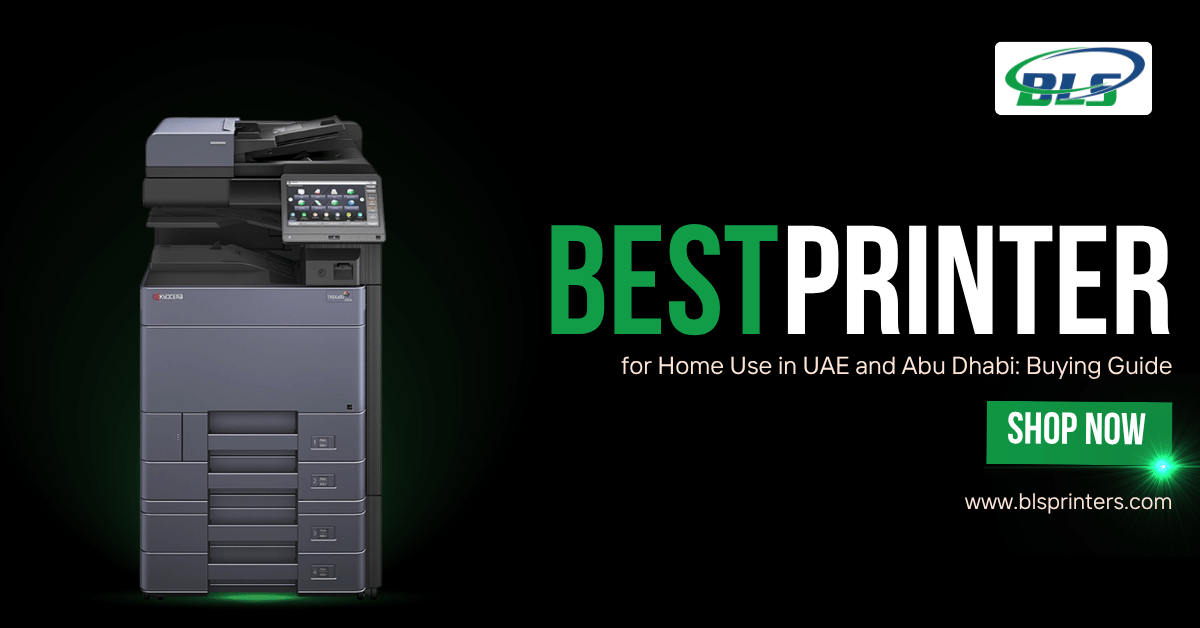
Selecting the best printer for home use in UAE and Abu Dhabi is not just a function of its cost. Volume of printing, type of document, colour, available space, connections and even the operational cost are important considerations. Simple printers are adequate for occasional document and homework printouts, but professionals require multifunctional printers.
The BLS Printers stock includes Konica Minolta printers, Sharp printers, HP printers, Kyocera printers, Canon printers, and Ricoh printers, among others.
Quick Answer: Best Printer for Home Use in UAE
Your printer should be chosen based on your work requirements. The inkjet printer can produce colourful text, but a laser printer would better serve your purpose when you require faster text-based printing.
The multifunction printer is a good choice for home offices and has multiple functionalities like printing, scanning, and copying. Extra features include duplex printing, connectivity, high speed, and efficient toner consumption. BLS Printers provides multifunction printers for professional work environments.
What to Remember
- Choose a home printer based on your printing volume, colour needs, and budget.
- Inkjet printers are suitable for occasional colour printing, while laser printers are ideal for regular document printing.
- Multifunction printers offer printing, scanning, and copying in one device.
- Compare ink, toner, and maintenance costs before purchasing a printer.
- Professional printer servicing helps maintain print quality and reduce unexpected breakdowns.
“The best home printer is not simply the cheapest option. It is the one that matches your daily printing needs while keeping long-term costs manageable.”
Top Printer Models for Home Use in UAE and Abu Dhabi
Some of the BLS Printers models that can be opted by home office users, professionals, and customers requiring more printing capabilities are as follows:
1. Konica Minolta Bizhub C300i
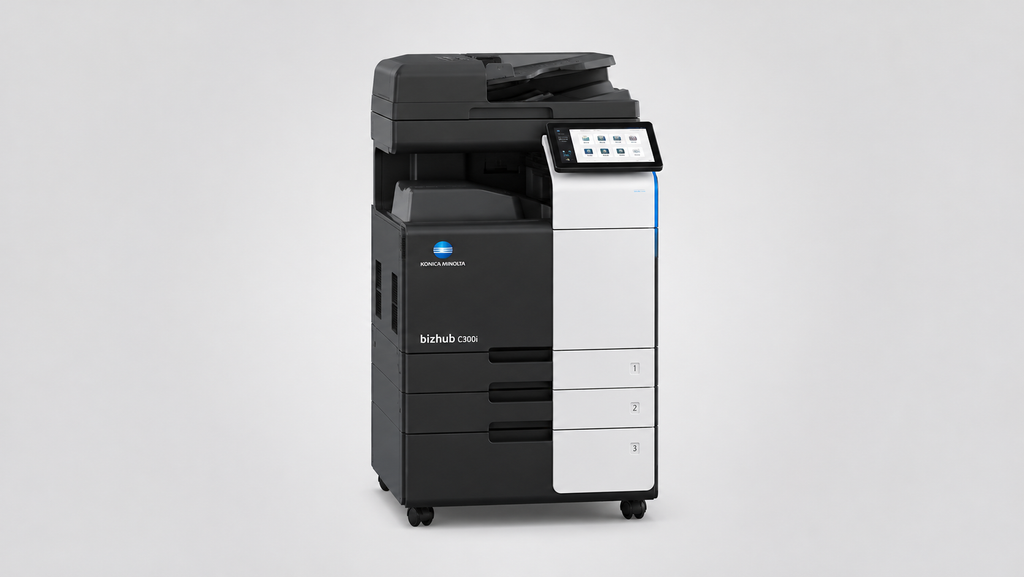
Konica Minolta Bizhub C300i is a colour multifunctional printer that caters to customers who want printing, scanning, and copying features in one device. This printer can be a good choice for professionals working from their homes.
Pros:
- Multifunction printing, scanning, and copying
- Suitable for colour document workloads
- Useful for professional home offices
Cons:
- Larger than a basic home printer
- May be more than occasional users need
- Better suited to higher workloads
2. Sharp MX-3114N
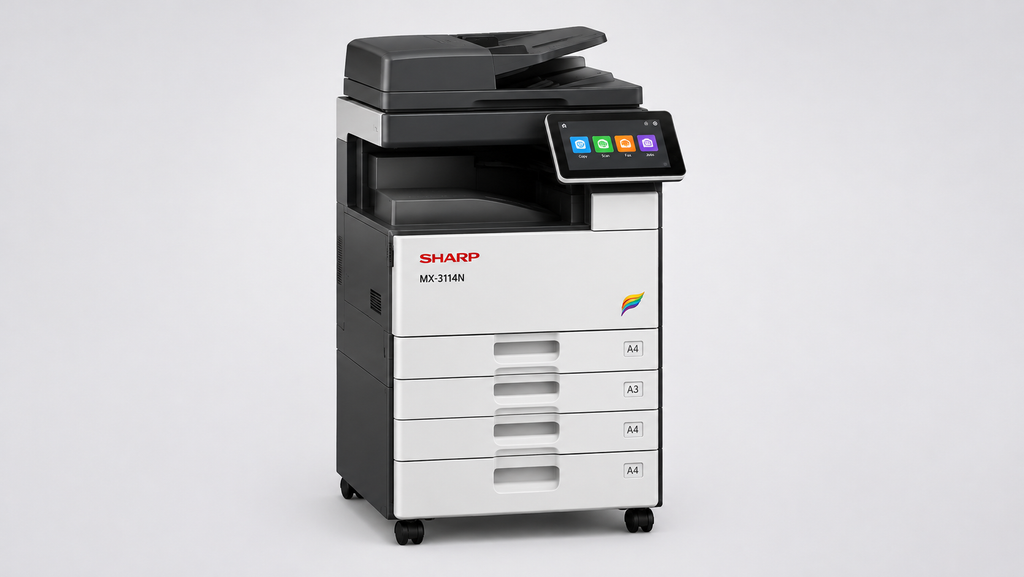
The Sharp MX-3114N is an example of a colour multifunction printer for people who regularly print documents and need other office capabilities.
Pros:
- Supports colour document printing
- Multifunction design
- Suitable for home-office workloads
Cons:
- Requires more workspace
- Not ideal for very light printing
- Professional features may be unnecessary for basic users
PRINTER PANIC!
Your office has 10 documents waiting. Can you print them all?
Need Office Printing Solutions?
Contact this team to discuss your printer requirements.
3. HP Color LaserJet Pro MFP M283fdw
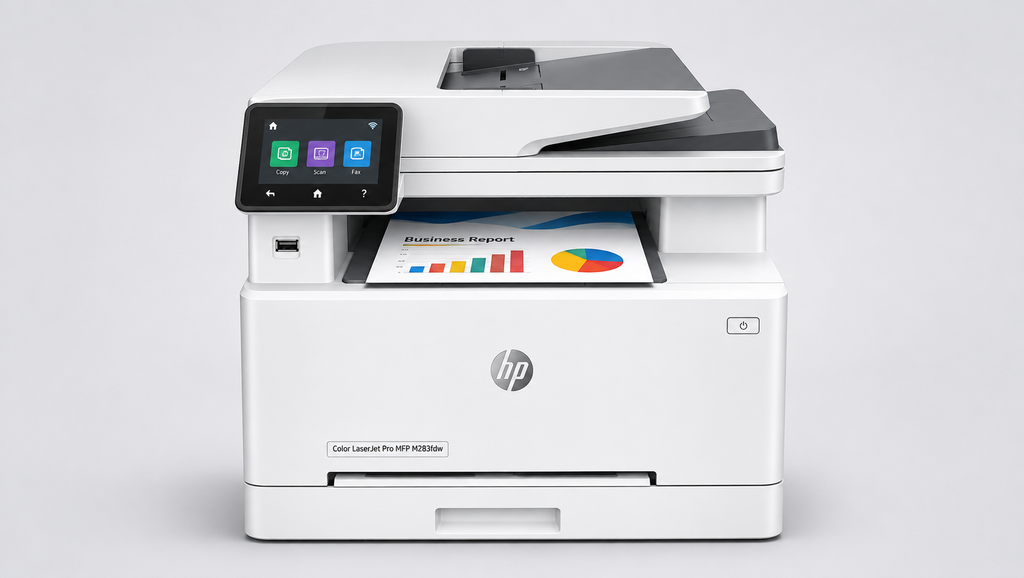
The HP Colour LaserJet Pro MFP M283fdw is a colour laser multifunction printer that could be used by professionals who need their documents printed clearly in colour, yet in a compact device.
Pros:
- Colour laser printing
- Multifunction capabilities
- Suitable for professional documents
Cons:
- Toner replacement adds running costs
- Colour printing may not be necessary for every user
- Higher cost than basic home printers
4. Kyocera TASKalfa 2554ci
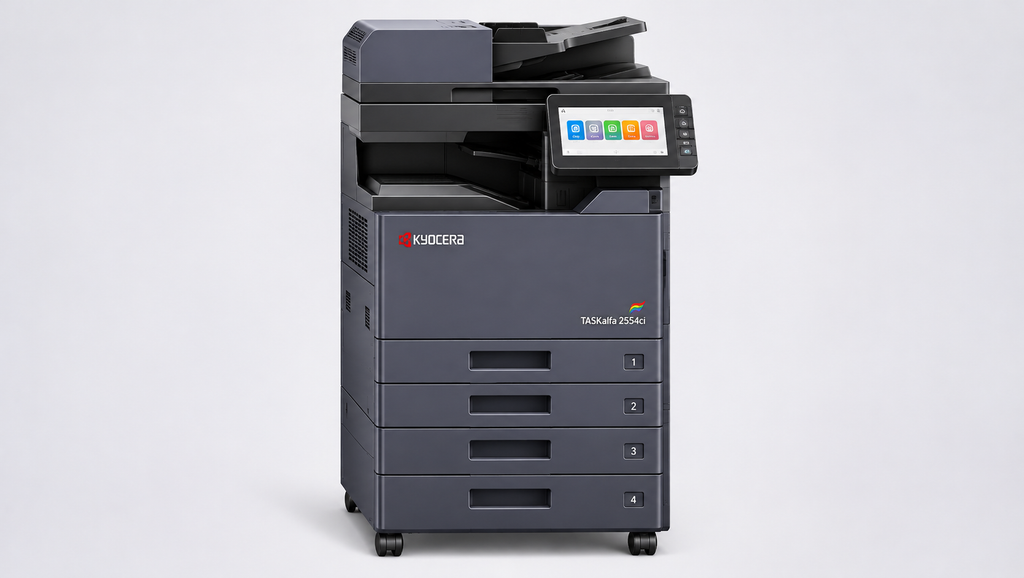
The Kyocera TASKalfa 2554ci is an option for those who have more complex printing needs. This option could be considered if an ordinary home printer will not cope with the job.
Pros:
- Designed for demanding workloads
- Colour multifunction capability
- Useful for documents, reports, and presentations
Cons:
- Larger footprint
- May be excessive for occasional printing
- Better suited to professional environments
5. Canon imageRUNNER ADVANCE C5250i
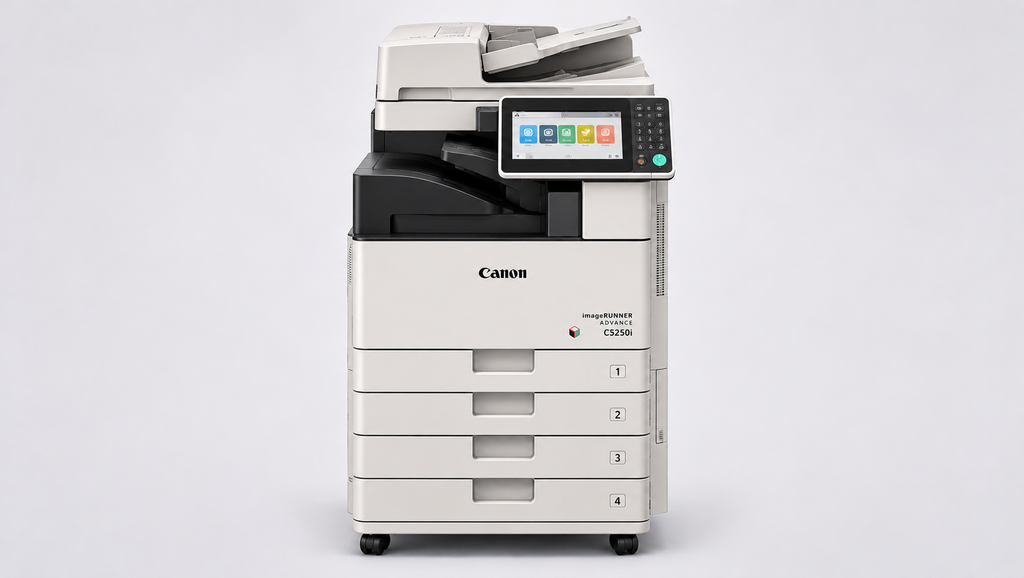
The Canon imageRUNNER ADVANCE C5250i is a professional multifunction printer for people who require more advanced document management.
Pros:
- Professional multifunction solution
- Suitable for higher-volume workloads
- Supports professional document requirements
Cons:
- Not intended for very light household use
- Requires adequate workspace
- Higher investment than entry-level printers
6. Ricoh IMC2000
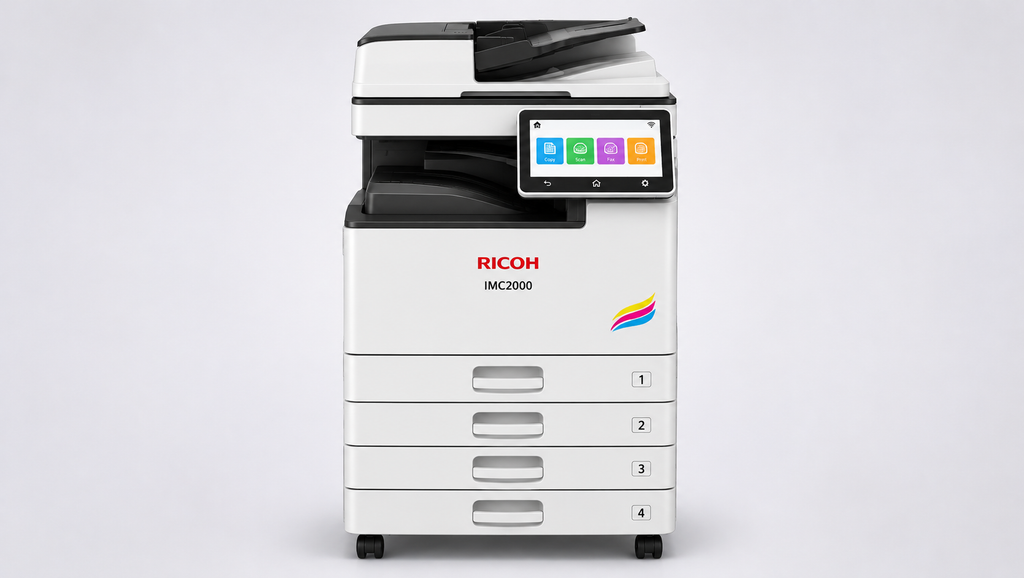
Ricoh IMC2000 prints, scans and copies documents, making it a possibility for professionals requiring various document functions in one device.
Pros:
- Multifunction capability
- Suitable for professional use
- Reduces the need for separate devices
Cons:
- Larger than compact home printers
- May be unnecessary for occasional printing
- Better suited to higher-volume users
Inkjet vs Laser: Which Printer Is Good for Home Use?
For those of you looking for which printer is good for home use, you need to first make the choice whether to buy an inkjet or laser printer.Inkjet printers are best for colour printing of documents, photographs, drawings, and school assignments. Inkjet printers may be a good choice for people who do not print on a regular basis.Laser printers are more appropriate for regular printing of documents as they have toners and are used for sharp text printing.Colour laser multifunction printers are a good choice for professional work at home.
Important Features to Check Before Buying
In choosing the best printer for home use in UAE, you must select one that meets your needs. The following are some key aspects to consider when making your choice.
1. Print Speed
Print speed is measured in pages per minute (PPM). A faster printer can be useful when printing multiple pages at once, especially for home offices and regular document printing.
2. Print Quality
Printer resolution is measured in DPI (dots per inch). Consider the print quality required for text documents, graphics, photographs, and school assignments before choosing a printer.
3. Connectivity
Wi-Fi and network connectivity allow multiple devices to share a printer. Mobile printing support can also make printing from smartphones and tablets more convenient.
4. Duplex Printing
Automatic duplex printing allows the printer to print on both sides of the paper. This helps reduce paper usage and is useful for reports, assignments, and lengthy documents.
5. Scanning and Copying
A multifunction printer (MFP) is a practical choice for users who regularly scan forms, contracts, documents, or ID copies. It combines printing, scanning, and copying in one device.
Best Printer for Home Use With Cheap Ink or Toner
Those users who look for the best printer for home use with cheap ink should take into consideration long-term expenses, rather than just the initial purchase cost.The price of ink cartridges, ink refills, and toner will vary according to the particular printer and printing amount. Therefore, before purchasing the printer, you will need to compare the cost of cartridges/toner and their expected lifespan in the United Arab Emirates.This is also very relevant when choosing the best cheap printer for home use. It is not always the case that a cheap purchase means a cheaper total cost of ownership.
Find an Affordable Printer for Home Use
Looking for a home printer with affordable ink or toner? Contact BLS Printers to explore suitable printer models and cost-effective printing options.
Home Printing Requirements in UAE and Abu Dhabi
The most suitable printer for home use is determined by how you will make use of the printer.
If your printer is going to be used occasionally for personal work, then a small one will do. However, a remote professional or a home business may require a colour printer with other features.
Before purchasing, check:
- Monthly printing volume
- Colour or monochrome requirements
- Available workspace
- Number of users
- Required paper sizes
- Scanning and copying needs
- Ink or toner availability
- Maintenance requirements
These factors will guide you in choosing a printer that is neither weak nor costly.
Buying a Printer or Choosing a Flexible Solution
Buying a printer is a good choice in cases where printing demands are consistent. Nevertheless, business owners and other professionals who require changing loads might consider printer rentals or leasing.
In case of a flexible working space, try commercial printers for flexible workplace.Those who seek available machines should look into printers on sale too.
Choose the Right Printer Solution for Your Business
Need a printer for your home office or business? Contact BLS Printers to explore printers for sale, rental, and leasing options that match your printing requirements and budget.
When Professional Printer Servicing Matters
Constant usage of the printer can result in paper feeding issues, poor print quality, toner-related issues, or malfunctioning components.Professional printer servicing will keep the printer functioning well and help prevent any unwanted breakdowns. This can be especially valuable for those professionals who need the printer to produce work documents, invoices, reports, and client documents.
Home Printer or Office Printer?
The best printer is not necessarily the smallest or the most inexpensive printer.
Some students or home users can have basic needs, while consultants, freelancers, and home businesses require professional all-in-one equipment.If you have business-oriented printer needs, you may want to look at our article about office printers for UAE business.
Make a Smarter Home Printer Choice
Determining the best printer for home use in UAE and Abu Dhabi is contingent upon the print volume, speed, colour, connectivity requirements, and operating expenses. There are various brands such as Konica Minolta, Sharp, HP, Kyocera, Canon, and Ricoh that provide flexible choices depending on your specific needs. BLS Printers will assist in making the right choice and getting an appropriate model in accordance with your needs.
Ready to find the right printer for your home or home office? Get in touch with BLS Printers now for professional advice regarding printer selections.
FAQs About Business Printer Rental
What is the best printer for home use in the UAE?
The best printer will depend on your needs in terms of volume of work, colour requirements, budget, and features desired. BLS Printers has several printers that meet the needs of different individuals.
Which printer is the most reliable for home use?
Printers that use lasers and multifunction features by reputable firms like HP, Canon, Sharp, and Konica Minolta should be able to deliver with proper maintenance.
Which printer brand is best for home use?
There is no one brand that suits all individuals. Leading brands including HP, Canon, Epson, Sharp, and many others have suitable printers.
How much does a printer cost in Dubai?
Pricing of printers in Dubai varies depending on several parameters, including type, additional features, print speed, and capacity. Economy printers are cheaper, while professional multifunctional printers demand greater investment.
Which is better for home use, Epson or HP?
The best choice of Epson is possible for low-cost colour printing, whereas HP offers numerous inkjet and laser printers for home and business use.
Which Epson printer is best for home use?
The choice of the best printer from Epson will depend on many aspects, such as cost of ink, print speed, quality, connectivity, and multifunctionality.
What is the No. 1 printer for home use?
No. 1 printer does not exist, and each person will find the most suitable device depending on personal preferences, budget, printing frequency, documents, and costs of maintenance.
Is HP better than Epson for home printing?
Both brands have reliable products. HP is renowned for its laser printing as well as everyday printing. On the other hand, Epson is well-known for its efficient colour and ink-tank printing solutions.
Which printer is best for low-cost home printing?
Ink-tank and efficient laser printing can assist in minimising printing costs in the long run. It is important to compare the prices of ink or toner and cost per page before making a decision.
Is a multifunction printer good for home use?
Yes. The multifunction printer would save space by merging all these functions into one unit. It is beneficial to the home office or family.
Latest Blog
-
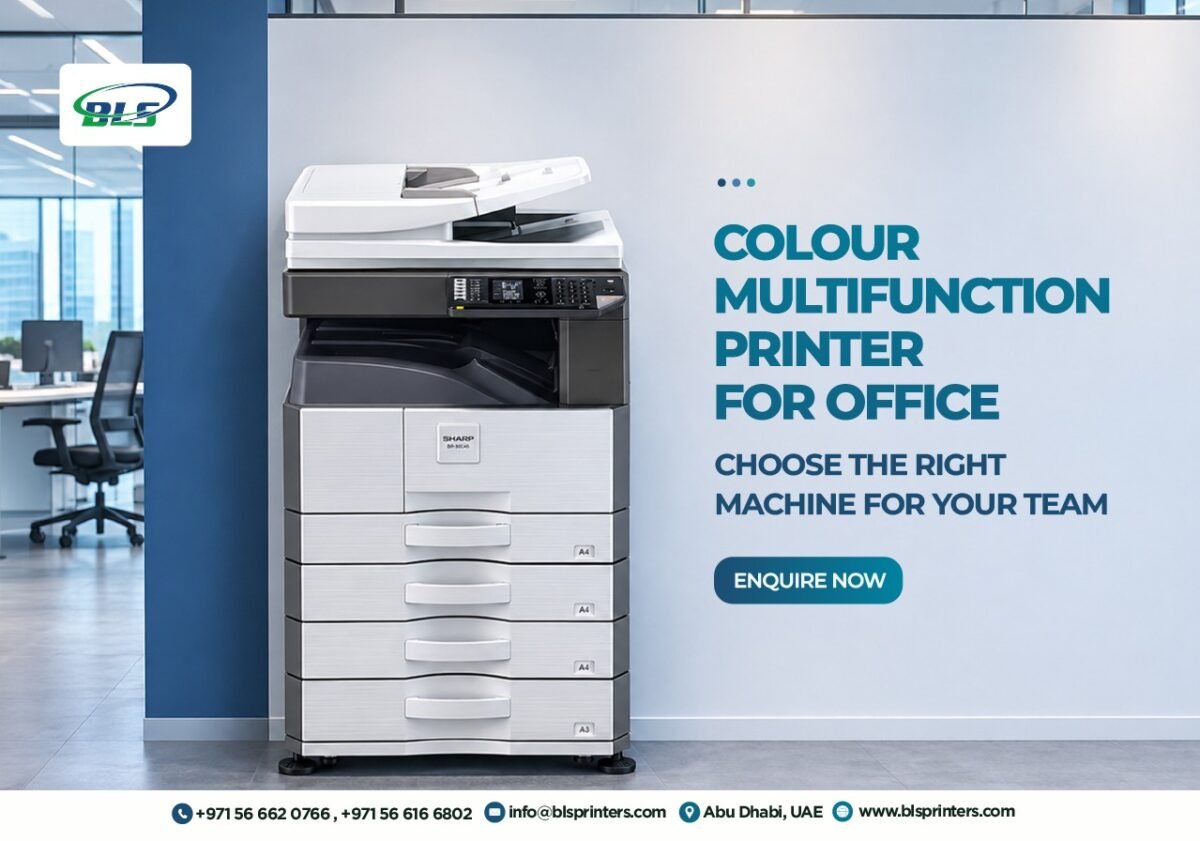 Colour Multifunction Printer for Office: Choose the Right Machine for Your Team
-
 Best Commercial Printer Rental Abu Dhabi for Businesses Handling High-Volume Print Jobs
-
 Best Printer for Small Business When Every Print Job Impacts Your Profit
-
 Best Printers for Office or Home in UAE in 2026
-
 Xerox Machine Price in UAE: Best Models, Features and Buying Guide for 2026
-
 Printer maintenance service in Abu Dhabi On-Site Printer Service
-
 Printer Spare Parts in Abu Dhabi, Dubai, UAE
-
 Printer Shop In Abu Dhabi | Printers, Ink & Toner
-
 Top 10 Buying Checklist Office Printers for Sale in Abu Dhabi,Dubai,UAE
-
 Top 10 Best printer dealers in Abu Dhabi,UAE
-
 Printer Toners and Cartridges Suppliers in Abu Dhabi: Top Brands and Profiles
-
 Printer Rental Services in Abu Dhabi: 5 Things to Check Before Choosing
-
 Top Printer Solutions for Government Offices in Abu Dhabi 2026 Guide
-
 Printers for Office or Home in Abu Dhabi UAE | Shop Top Printers
-
 Printer Solutions for Events & Exhibitions in Abu Dhabi
-
 Best Multifunction Printers in 2026 for Offices in Abu Dhabi and UAE
-
 What to Check Before Choosing a Printer Dealer in the UAE
-
 Improve Your Business Printing with Quality Printer Sales in Abu Dhabi
-
 Printer For Sale In Abu Dhabi, Dubai, UAE New & Used
-
 Printer Repair Service for Common Printer Problems
-
 Best Printers in Abu Dhabi for Offices & Businesses
-
 Trusted Canon – Printer Supplier & Dealer in Abu Dhabi, Dubai, UAE
-
 What Are the Best Printers for UAE Offices in 2026
-
 Best Printers for Office or Home in UAE: Expert Picks for Abu Dhabi Buyers
-
 Buy All in One Printers Online for Home and Office Needs
-
 Best Canon Printer on Sale in Abu Dhabi and Dubai
-
 All-in-One Printer Price in UAE: Complete Buying Guide
-
 Inkjet Printers on Sale Abu Dhabi for Different Printing Needs .
-
 Best Office Printers for UAE Businesses and Top Choices
-
 Business Printer Rental for Flexible Office Printing
-
 Xerox Machine Price in UAE: Find the Right Option
-
 Commercial Printers for Rent to Support Business Growth
-
 Printer & Copier Spare Parts And Consumables in Dubai
-
 Printer Rental Cost: Look Beyond the Number on the Quote
-
 Printer Servicing & Repair for Reliable Business Printing | BLS
-
 Commercial Printer Rental for Flexible Workplace Printing
-
 Printer Maintenance Contract for Smarter Business Printing
-
 Printer Spare Parts Guide: Common Components, Uses, and Replacement Signs
-
 Top Reasons to Upgrade Your Office Copier in 2026
-
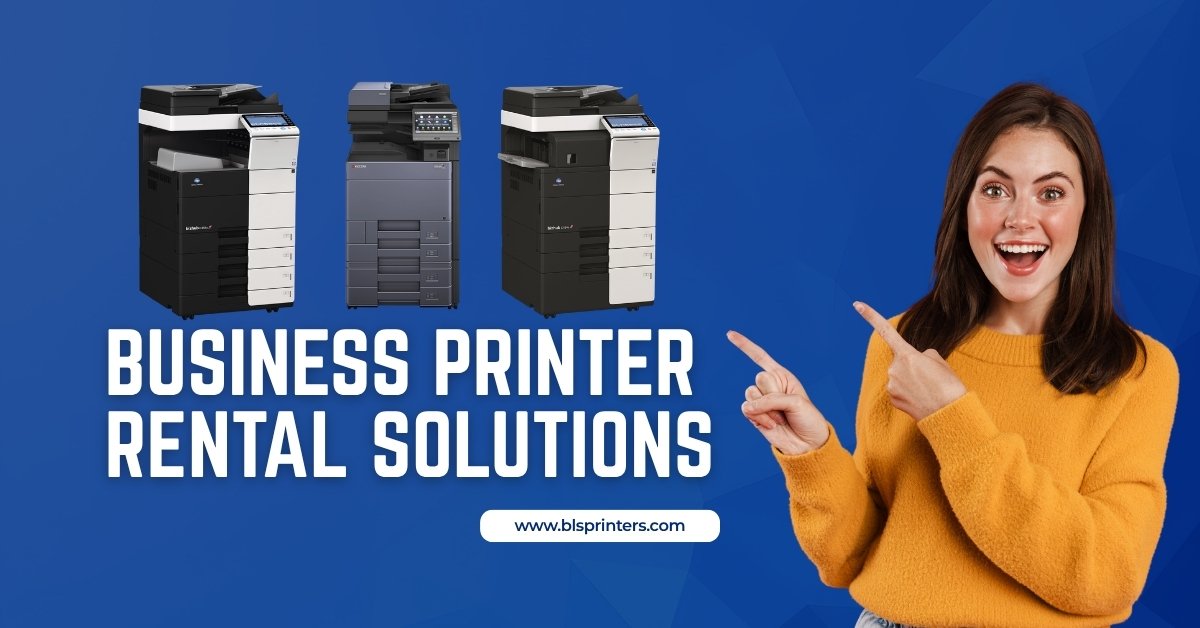 Business Printer Rental Solutions for Expanding Office Operations
-
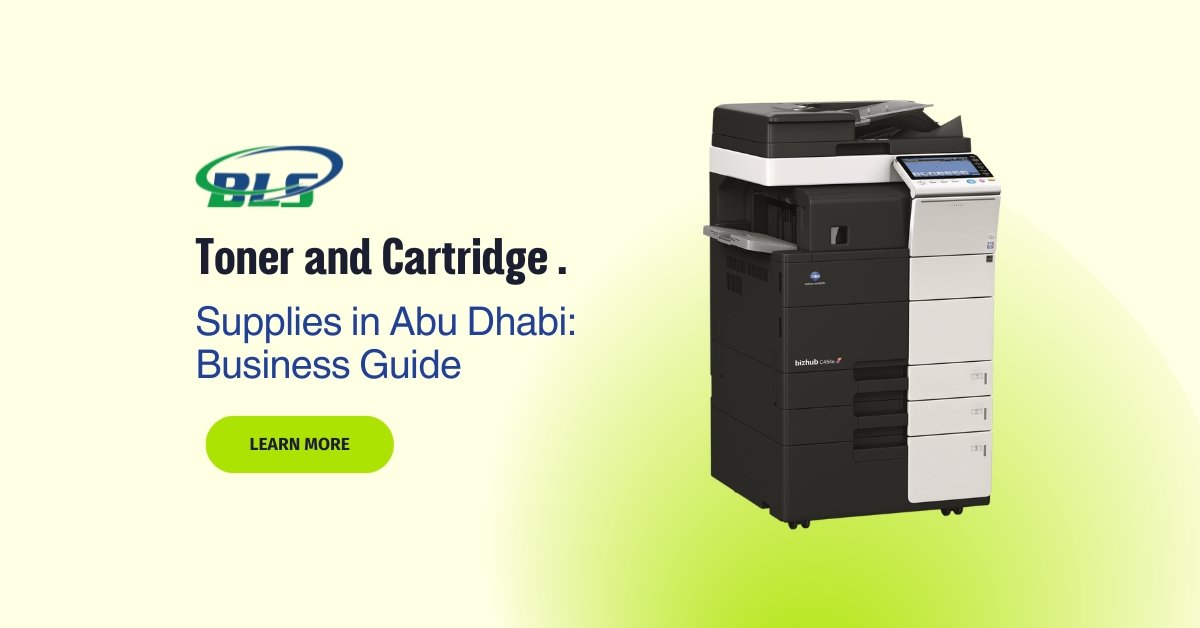 Toner and Cartridge Supplies in Abu Dhabi: Complete Business Buying Guide
-
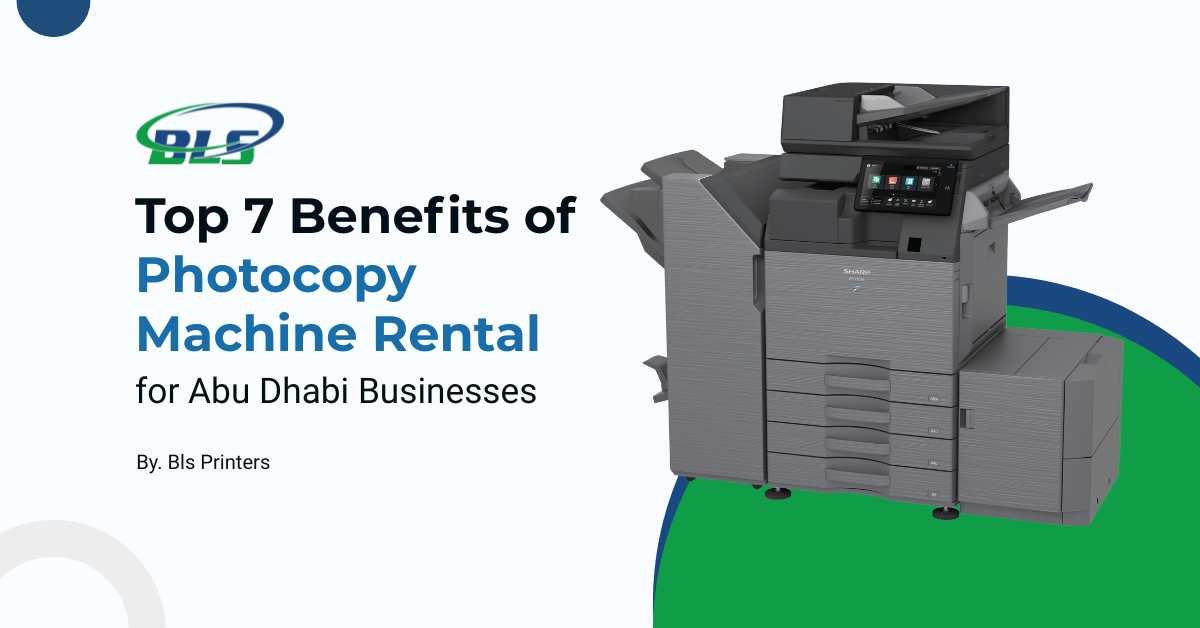 Top 7 Benefits of Photocopy Machine Rental for Abu Dhabi Businesses
-
 10 Questions to Ask Before Choosing a Cartridge Supplier in Abu Dhabi
-
 Reliable Printer Maintenance Services for Business Printing in Abu Dhabi
-
 Photocopy Machine Rental Solutions for Efficient Business Printing
-
 Professional Toners & Cartridges in Abu Dhabi for Office Printing
-
 Affordable Copier Leasing Solutions for Offices in Abu Dhabi
-
 Printer Rental in Dubai with Free Machines, Toner, and Service!
-
 Top Benefits of Printer Leasing for New Businesses in Abu Dhabi
-
 Digital Printing Service in Abu Dhabi | BLS Printers UAE