Our Blog
Top 10 Buying Checklist Office Printers for Sale in Abu Dhabi,Dubai,UAE
Table of Contents
- Why printer choice matters ?
- Start with your print profile
- 1. Pick the right print technology
- 2. Evaluate the total cost
- 3. Check speed and monthly volume
- 4. Prioritise connectivity and useful features
- 5. Choose the right paper size and handling
- Need a Canon Printer? Best Deal is Now Live!
- 6. Do not ignore printer security
- 7. Look at maintenance and spare parts
- 8. Compare new, used and rental printers
- 9. Consider energy use and paper waste
- 10. Avoid common buying mistakes
- Best-fit printer types
- A practical buying checklist
- Make the Right Office Printer Choice
Selecting an office printer is not only about purchasing a printer that is affordable. There are several factors that a business should consider when selecting a printer, such as the needs of the business, costs of maintenance, and reliability. If the wrong printer is chosen, the company may incur many expenses.
If you need an office printer for sale in Abu Dhabi, Dubai or anywhere in the UAE, start by understanding your daily office work. A small business printing invoices will have different needs from a large company handling reports, contracts and colour documents.
This buying checklist covers ten important points to help you select a printer that suits your business.
Why printer choice matters ?
An Office printer for sale in Abu Dhabi can help businesses manage daily tasks such as printing, scanning, and copying files to prepare important documents. Choosing the right machine improves workflow and helps staff work more efficiently.
Modern printers also offer network connections, mobile printing, and document security features. A professional office printer may suit a business with regular printing needs, while a compact model can work well for a smaller team.
The best choice depends on your workload, budget, and the level of support available after purchase.
Start with your print profile
Before proceeding to compare various printers, evaluate the usage of the printer in your workplace. Look at the total number of pages you print per month, the colour prints you make, and the types of documents you print.
A good printer for home office use may suit a freelancer or a small business with light printing needs. A busy office, however, may require a machine designed for higher print volumes.
Questions to answer first
- How many pages does your office print each month?
- Do you mainly print black-and-white or colour documents?
- Do you need A4, A3 or other paper sizes?
- Will employees need scanning and copying?
- How many people will share the printer?
- Do you need printing from mobile phones and laptops?
These answers will help you narrow down suitable options before purchasing.
1. Pick the right print technology
Each type of printer works well for particular office requirements. The laser printer may prove suitable for companies that frequently print text-based papers. Offices requiring frequent printing in colour might find the inkjet printer or the ink tank printer to be more appropriate.
A black and white office printer can be suitable for invoices, contracts and reports. Businesses that print both text and colour documents may prefer a colour laser model.
If your office needs printing, scanning and copying in one machine, an all in one printer for office use can save space and simplify daily tasks.
2. Evaluate the total cost
Never base your choice of printer purely on the purchase price. The total cost will include such things as the cost of consumables and maintenance.
A low-cost printer may become expensive if its toner or ink cartridges need frequent replacement. Before selecting an office printer for sale in Abu Dhabi, compare the long-term expenses of different models.
Cost factors to compare
- Initial purchase price.
- Cost per printed page.
- Ink or toner yield.
- Maintenance and replacement parts.
- Warranty and service charges.
- Availability of compatible supplies.
For more information about managing office printing, read Improve Business Printing with Abu Dhabi Printer.
3. Check speed and monthly volume
Printing speed becomes important when more than one individual uses the same device. Slow printing will generate queues and result in the slowdown of all operations in an office environment.
Check for the pages per minute speed and the printer manufacturer’s recommended monthly page print volume. The maximum duty cycle should not be taken into account alone since it does not represent the printer’s load capacity on a daily basis.
When comparing the best black and white printer for office use, check print speed, toner yield and paper capacity alongside the purchase price. Choosing the right capacity can help reduce unnecessary strain on the machine.
4. Prioritise connectivity and useful features
Today’s printers come in a variety of options, including USB, Wi-Fi, or even Ethernet. It is beneficial to have network capability if more than one employee wants to print using different computers.
Before you decide to buy, make sure the printer is capable of mobile printing, automatic duplex printing, and scanning to email or shared folder capability.
When comparing the best office printer scanner options, review scanning speed, document feeder capacity and file-sharing features. An automatic document feeder can save time when scanning or copying several pages.
5. Choose the right paper size and handling
Most offices work with A4 paper, but companies that print plans, large spreadsheets or detailed drawings may need an A3 office printer.
Check the capacity of paper trays and the types of paper sizes that can be automatically printed on both sides. If your work requires printing using envelopes, labels, or other types of paper, check the compatibility of the printer with them.
Good paper handling helps reduce the need to reload trays and makes everyday printing easier. If you are looking for an office printer for sale in Abu Dhabi, confirm the supported paper sizes before choosing a model.
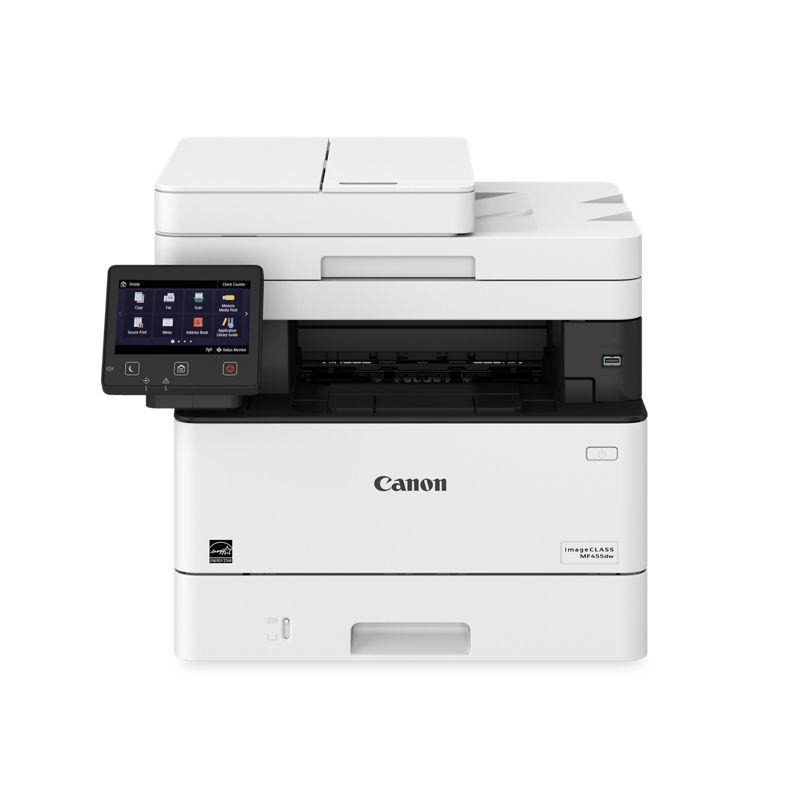
Need a Canon Printer? Best Deal is Now Live!
Find the right printing solution for your office.
Contact Now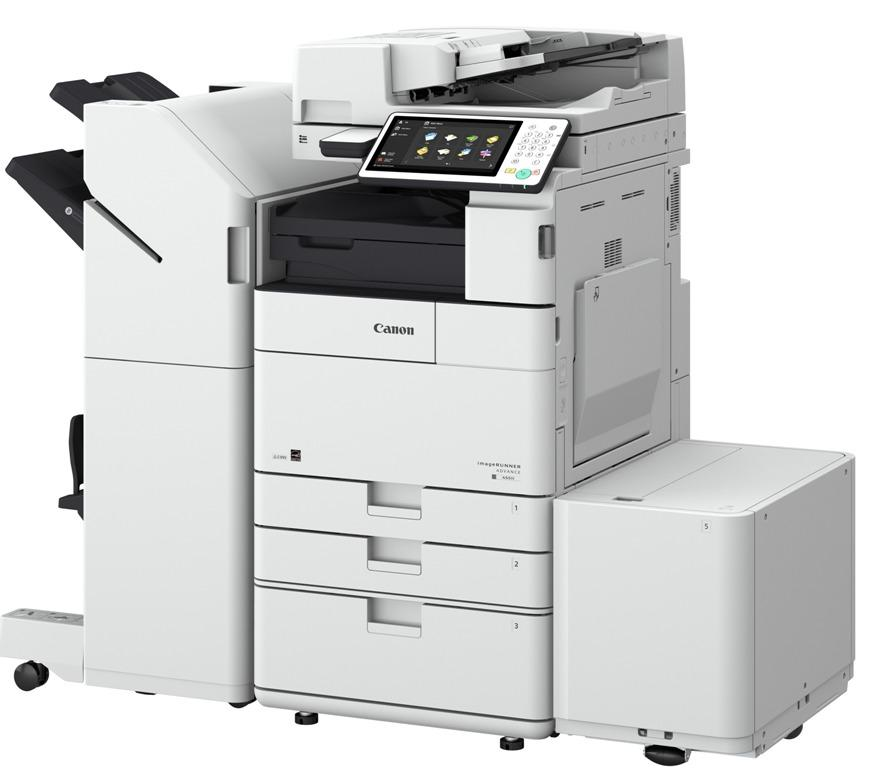
6. Do not ignore printer security
Company printers may be attached to business networks and work with sensitive documents. Vulnerable settings can cause threats, especially when printers can be accessed by different departments.
Check for password protection, secure printing features and firmware updates if possible. Businesses working with confidential information must also find out if the printer allows limiting access to some features.
When choosing a professional office printer, consider security features alongside performance to help protect business documents.
7. Look at maintenance and spare parts
Even a reliable printer requires maintenance. Dust accumulation and worn rollers can affect print quality and cause paper jams. When choosing an Office printer for sale in Abu Dhabi, consider the availability of maintenance services and spare parts.
Before purchasing, make sure that there is a technician near your location who can maintain the particular printer, as well as spare parts for it. Having the ability to replace printer parts readily available will allow you to reduce time spent on repairs.
BLS Printers provides printer maintenance services to help businesses maintain their equipment. You can also contact the team to enquire about printer spare parts in Dubai and Abu Dhabi for your printer model. Regular printer servicing and timely part replacement can help reduce unexpected interruptions.
8. Compare new, used and rental printers
Buying a new printer is not the only option for every business. Used office printers may suit companies with limited budgets, while rental can help businesses avoid a large upfront purchase.
Before buying any used machine, make sure you know the condition, servicing, page count, warranty, and availability of spare parts.
If you prefer renting, explore printer rental services in Abu Dhabi. Review the agreement to understand the monthly cost and whether repairs, maintenance or consumables are included.
Businesses comparing Xerox office printers or looking for the best Canon printer for office use should compare exact models, running costs and supplier support.
9. Consider energy use and paper waste
The cost of printing is not just ink and toner. Electricity usage and the wastage of paper are also considerations in office costs.
Check for energy-saving mode, sleep mode, and two-sided print capabilities when they are available. This will ensure you use less energy and less paper.
For a small workspace, the best small office color printer should balance colour quality, size and running costs. A best small home office printer should also fit the available space and handle the expected workload.
10. Avoid common buying mistakes
Comparison will assist you in identifying possible issues after installation. Some of the most common errors include:
- Buying only based on the lowest price.
- Choosing a printer that cannot handle your monthly volume.
- Paying for colour printing when most documents are black-and-white.
- Ignoring toner, ink and replacement part costs.
- Selecting a printer without the scanning or paper-size features you need.
- Overlooking warranty terms and local service support.
- Buying used equipment without checking its condition and service history.
If you need an office printer for sale in Abu Dhabi, compare the full cost and features rather than choosing the cheapest available machine. For home-based businesses, also check whether the best home office printer and scanner meets your scanning, connectivity and printing needs.
Best-fit printer types
Different work environments will call for different printer models. This table can serve as a basis for comparisons.
| Office need | Printer type to consider | Main benefit |
| Regular text documents | Black-and-white laser | Suitable for everyday document printing |
| Text and colour reports | Colour laser printer | Handles mixed office documents |
| Light printing in a small office | Compact inkjet or laser | Fits smaller workspaces |
| Larger spreadsheets and plans | A3 office printer | Supports larger paper sizes |
| Printing, scanning and copying | All-in-one printer | Combines common office tasks |
| Shared, high-volume printing | Business-class network printer | Supports a busier office workflow |
The best office all in one printer depends on your print volume, scanning needs and budget. Likewise, the best small office colour model may differ from a printer designed for thousands of black-and-white pages each month. Businesses considering a Canon printer for office use should compare the exact model’s specifications and running costs.
A practical buying checklist
Use this checklist before purchasing an office printer:
- Estimate your monthly printing volume.
- Decide between colour and black-and-white printing.
- Choose the required paper sizes.
- Check print speed and paper capacity.
- Compare toner or ink costs per page.
- Confirm scanning, copying and connectivity features.
- Review security and energy-saving options.
- Check warranty, maintenance and spare parts support.
- Compare new, used and rental options.
- Confirm the total cost before placing your order.
Make the Right Office Printer Choice
A good office printer would be one that fits your work and your budget. A smaller printer would be better suited to a smaller group of people, while a higher-capacity multifunction printer would be better suited for a larger office.
Before purchasing an office printer for sale in Abu Dhabi, Dubai or elsewhere in the UAE, compare print volume, running costs, paper handling and after-sales support. BLS Printers can help businesses explore printer options, rental services and maintenance support based on their requirements.
Taking time to compare these points can help you choose a printer that supports daily work without adding unnecessary costs.
Find the Right Office Printer for Your Business
Looking for an office printer for sale in Abu Dhabi, Dubai, UAE? BLS Printers offers printer sales, rental and maintenance services to meet different business needs. Contact the team to find a suitable printer for your office, compare available options and get support with your printing requirements.
FAQs
1. How much does a printer cost in Abu Dhabi?
Printer prices in Abu Dhabi vary by brand, features, print speed, and whether the model is new or used.
2. What is the best printer for office use in the UAE?
The best office printer depends on your printing volume, document size, colour needs, and budget.
3. How much does an office printer cost?
An office printer can cost from a few hundred to several thousand dirhams, depending on its features and capacity.
4. Which printer brand is best for office use?
Canon, HP, Xerox, Brother, and Kyocera offer office printers for different business needs and budgets.
5. Can I buy an HP printer in the UAE?
Yes, HP printers are available in the UAE through authorised retailers and office equipment suppliers.
6. Which is the best office printer?
The best office printer is one that meets your daily print volume, speed, quality, and maintenance requirements.
7. Which printer is better for office use?
Laser printers are often suitable for high-volume office printing, while inkjet printers can suit lower-volume colour printing.
8. Where is the best place to buy printers?
You can buy printers from trusted office equipment suppliers that offer product guidance, warranty support, and maintenance services.
9. What is the cheapest printer to own?
A printer with affordable consumables, low running costs, and reliable performance is often cheaper to own over time.
10. Which cheap printer is best?
The best budget printer offers reliable print quality, affordable ink or toner, and the features your office needs.
Latest Blog
-
 Printer Shop In Abu Dhabi | Printers, Ink & Toner
 -
 Top 10 Best printer dealers in Abu Dhabi,UAE
 -
 Printer Toners and Cartridges Suppliers in Abu Dhabi: Top Brands and Profiles
 -
 Printer Rental Services in Abu Dhabi: 5 Things to Check Before Choosing
 -
 Top Printer Solutions for Government Offices in Abu Dhabi 2026 Guide
 -
 Printers for Office or Home in Abu Dhabi UAE | Shop Top Printers
 -
 Printer Solutions for Events & Exhibitions in Abu Dhabi
 -
 Best Multifunction Printers in 2026 for Offices in Abu Dhabi and UAE
 -
 What to Check Before Choosing a Printer Dealer in the UAE
 -
 Improve Your Business Printing with Quality Printer Sales in Abu Dhabi
 -
 Printer For Sale In Abu Dhabi, Dubai, UAE New & Used
 -
 Printer Repair Service for Common Printer Problems
 -
 Best Printers in Abu Dhabi for Offices & Businesses
 -
 Trusted Canon – Printer Supplier & Dealer in Abu Dhabi, Dubai, UAE
 -
 What Are the Best Printers for UAE Offices in 2026
 -
 Best Printers for Office or Home in UAE: Expert Picks for Abu Dhabi Buyers
 -
 Buy All in One Printers Online for Home and Office Needs
 -
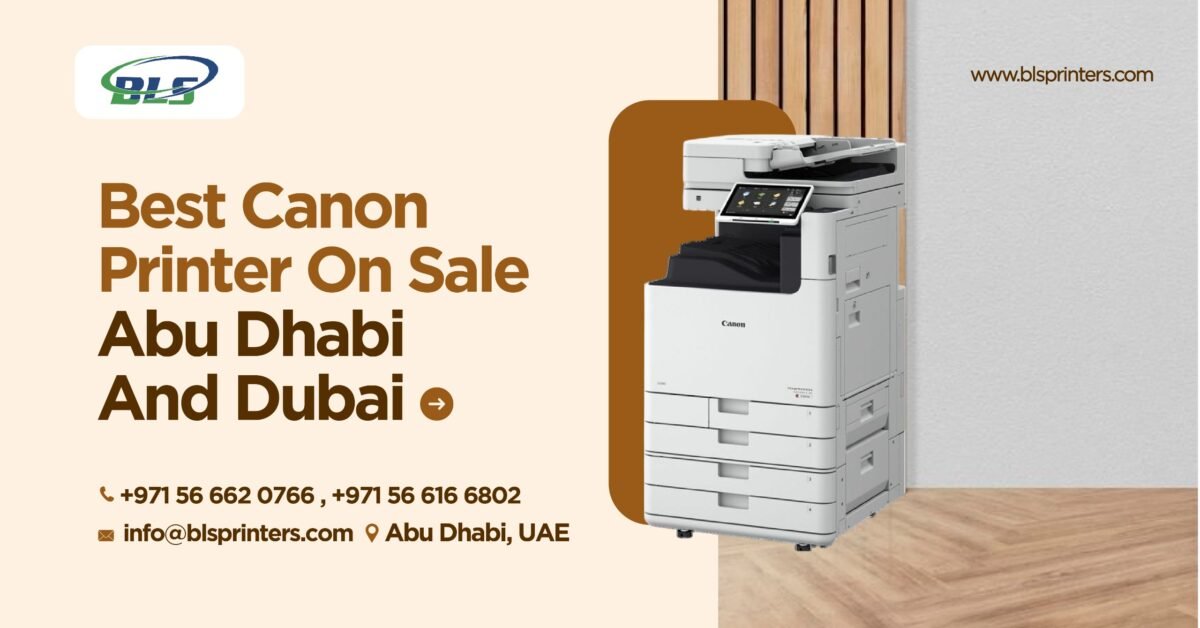 Best Canon Printer on Sale in Abu Dhabi and Dubai
 -
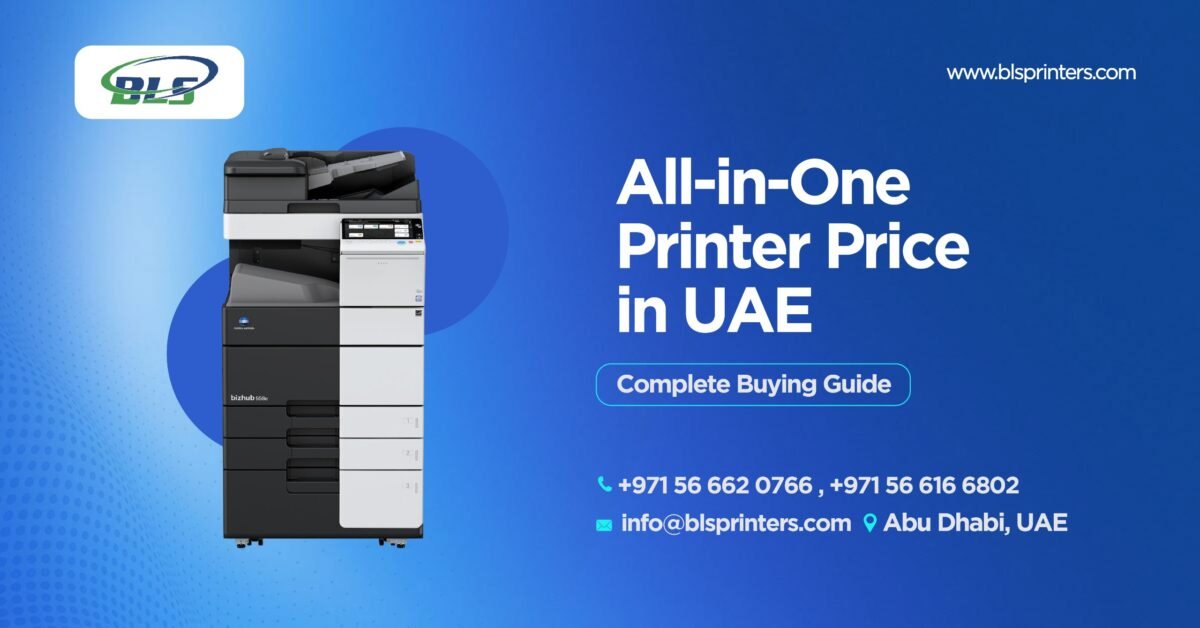 All-in-One Printer Price in UAE: Complete Buying Guide
 -
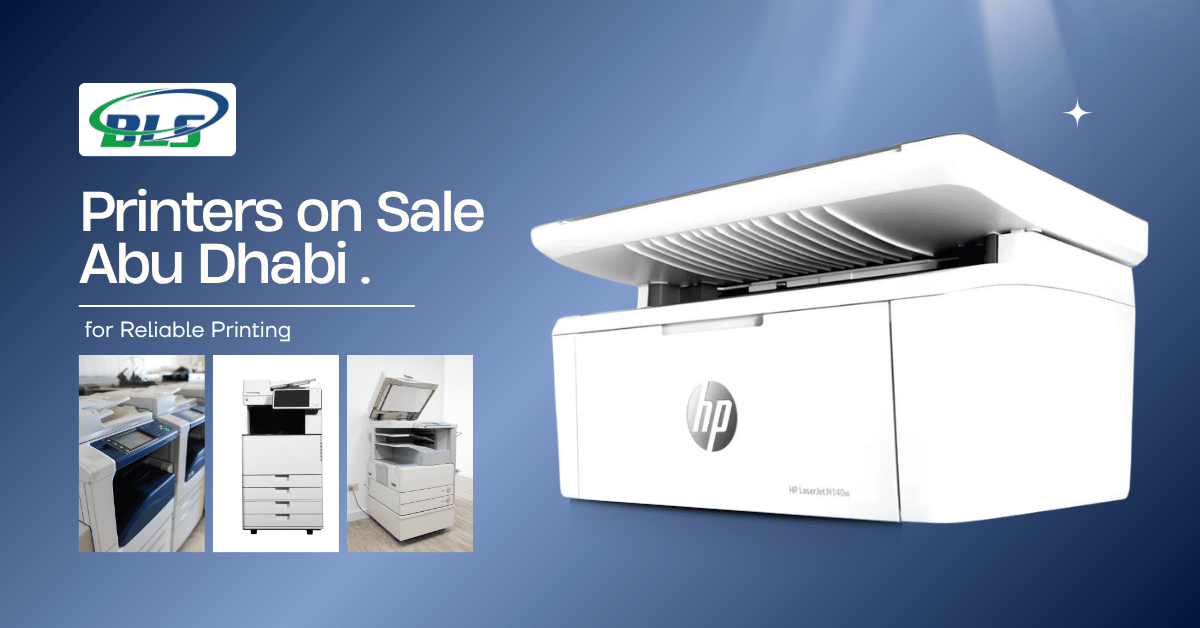 Inkjet Printers on Sale Abu Dhabi for Different Printing Needs .
 -
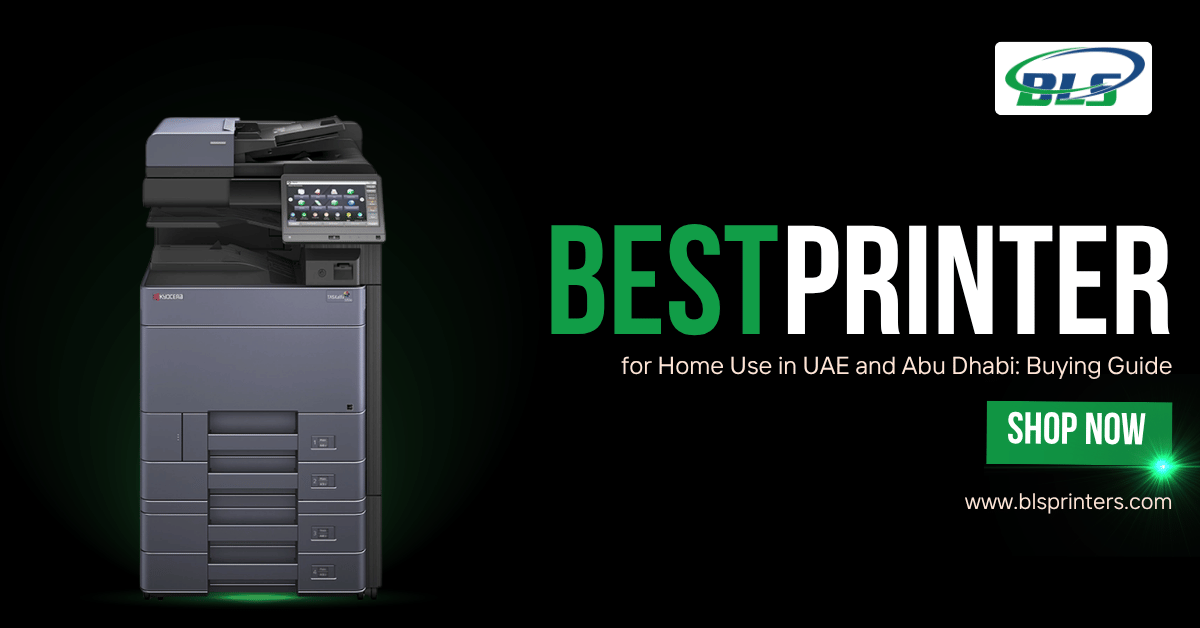 Best Printer for Home Use in UAE and Abu Dhabi: Buying Guide
 -
 Best Office Printers for UAE Businesses and Top Choices
 -
 Business Printer Rental for Flexible Office Printing
 -
 Xerox Machine Price in UAE: Find the Right Option
 -
 Commercial Printers for Rent to Support Business Growth
 -
 Printer & Copier Spare Parts And Consumables in Dubai
 -
 Printer Rental Cost: Look Beyond the Number on the Quote
 -
 Printer Servicing & Repair for Reliable Business Printing | BLS
 -
 Commercial Printer Rental for Flexible Workplace Printing
 -
 Printer Maintenance Contract for Smarter Business Printing
 -
 Printer Spare Parts Guide: Common Components, Uses, and Replacement Signs
 -
 Top Reasons to Upgrade Your Office Copier in 2026
 -
 Business Printer Rental Solutions for Expanding Office Operations
 -
 Toner and Cartridge Supplies in Abu Dhabi: Complete Business Buying Guide
 -
 Top 7 Benefits of Photocopy Machine Rental for Abu Dhabi Businesses
 -
 10 Questions to Ask Before Choosing a Cartridge Supplier in Abu Dhabi
 -
 Reliable Printer Maintenance Services for Business Printing in Abu Dhabi
 -
 Photocopy Machine Rental Solutions for Efficient Business Printing
 -
 Professional Toners & Cartridges in Abu Dhabi for Office Printing
 -
 Affordable Copier Leasing Solutions for Offices in Abu Dhabi
 -
 Printer Rental in Dubai with Free Machines, Toner, and Service!
 -
 Top Benefits of Printer Leasing for New Businesses in Abu Dhabi
 -
 Digital Printing Service in Abu Dhabi | BLS Printers UAE
 -
 Printer Rental Cost: A Smart Guide for Businesses in Abu Dhabi
 -
 Searching for quality printer spare parts in Abu Dhabi
 -
 Best Office Printers for Sale in Abu Dhabi: Features, Benefits & Buying Tips
 -
 How Reliable Toner Cartridge Suppliers in Abu Dhabi Support Your Business
 -
 The Benefits of Choosing Copiers Rental for Your Business.
 -
 Printer Toners and Cartridges: A Complete Buying Guide for Offices and Businesses
 -
 Best Printer Maintenance Services for Offices & Businesses